19
3
33
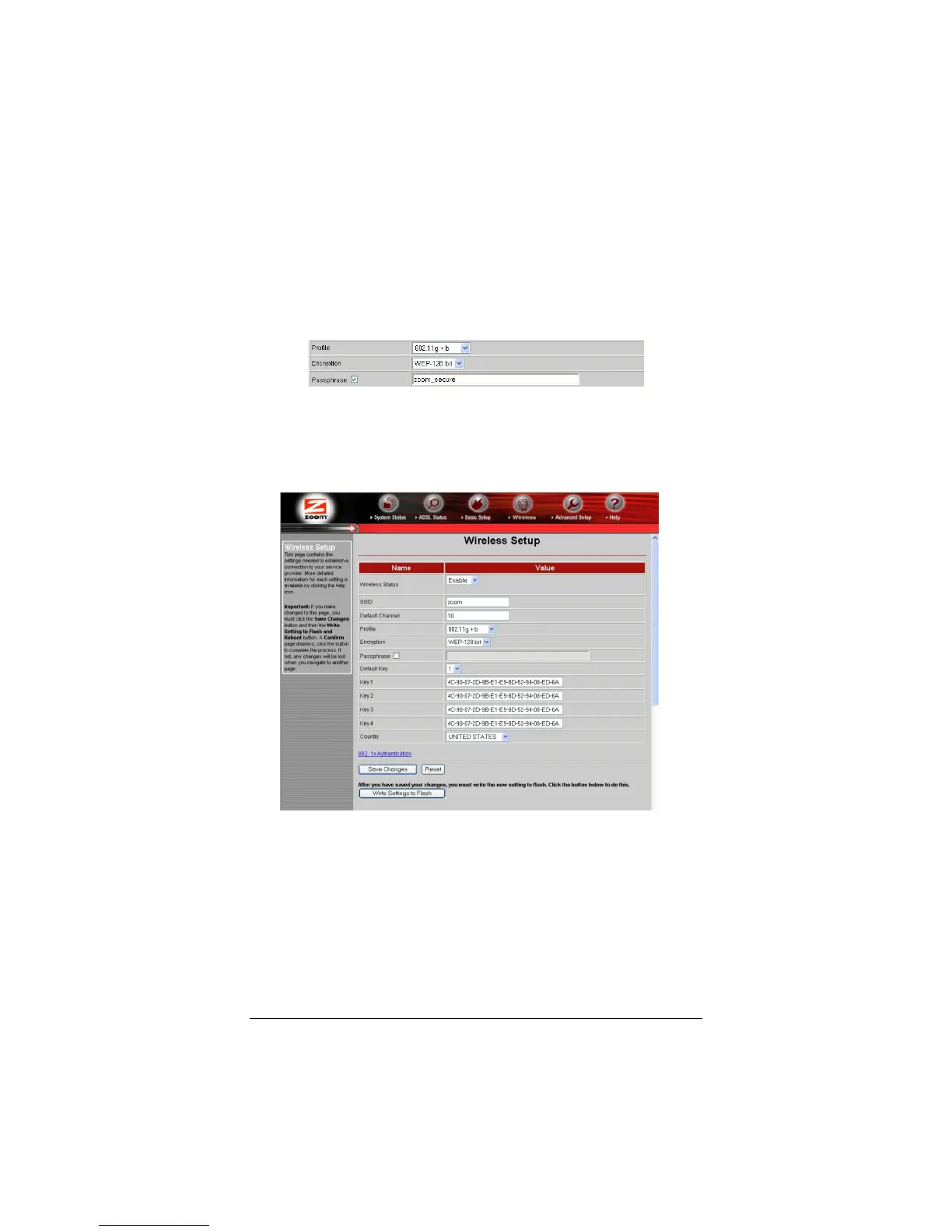
3 Check the box marked Passphrase and then choose and enter
a Passphrase of at least eight characters in the box immediately
to the right. You can enter a word, a phrase, or for greater
security you can enter a combination of numbers and letters.
The Passphrase is case-sensitive, so be sure to notice whether
each letter is capitalized.
4
44
4 Click Save Changes and then Write Settings to Flash. With
WEP 128-bit security, the same key appears in all four Key
boxes:



 To Next Page