12
Adjusting the reverb
Using the compressor
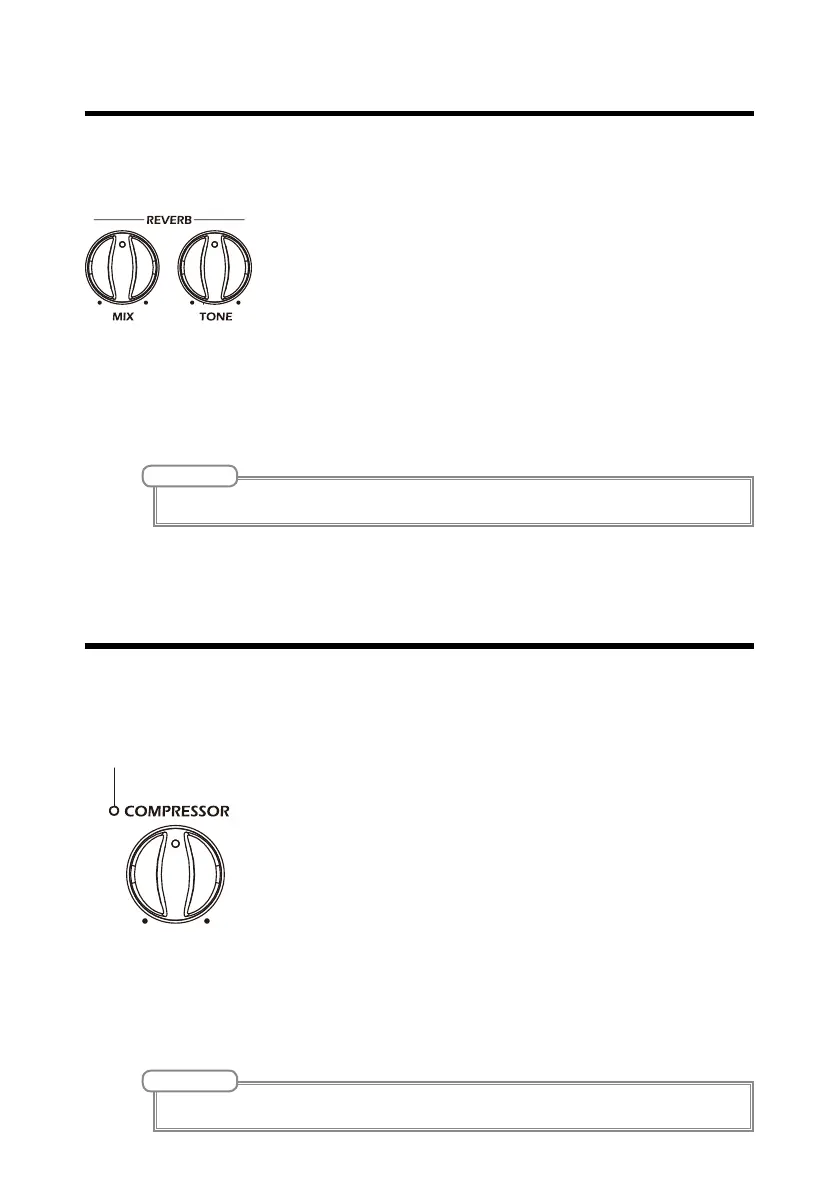
Turn the REVERB MIX and TONE knobs to add a reverb effect to the sound of
the acoustic guitar, increasing its width and depth.
Keep the original tone of the acoustic guitar in mind as
you adjust the reverb volume.
• MIX
Use to adjust the strength of the reverb effect.
• TONE
Use to adjust the tone of the reverb effect.
Turn the compressor not to enable compression of input sounds that exceed a
set level, controlling performance dynamics.
Keep the balance of the entire performance in mind when
adjusting the compressor.
When the input sound is compressed, the compressor in-
dicator will light as follows.
• Lit green
This setting is suitable for balancing the volume of
strumming and fingerpicking.
• Lit orange
This strong compression will maintain the output vol-
ume at an even level. This setting is suitable for increas-
ing loudness when strumming.
NOTE
Turn the COMPRESSOR knob all the way to the left to disable compression.
NOTE
Turn the MIX knob all the way to the left to disable the reverb.


 To Next Page