Appendix B Troubleshooting Tips 21
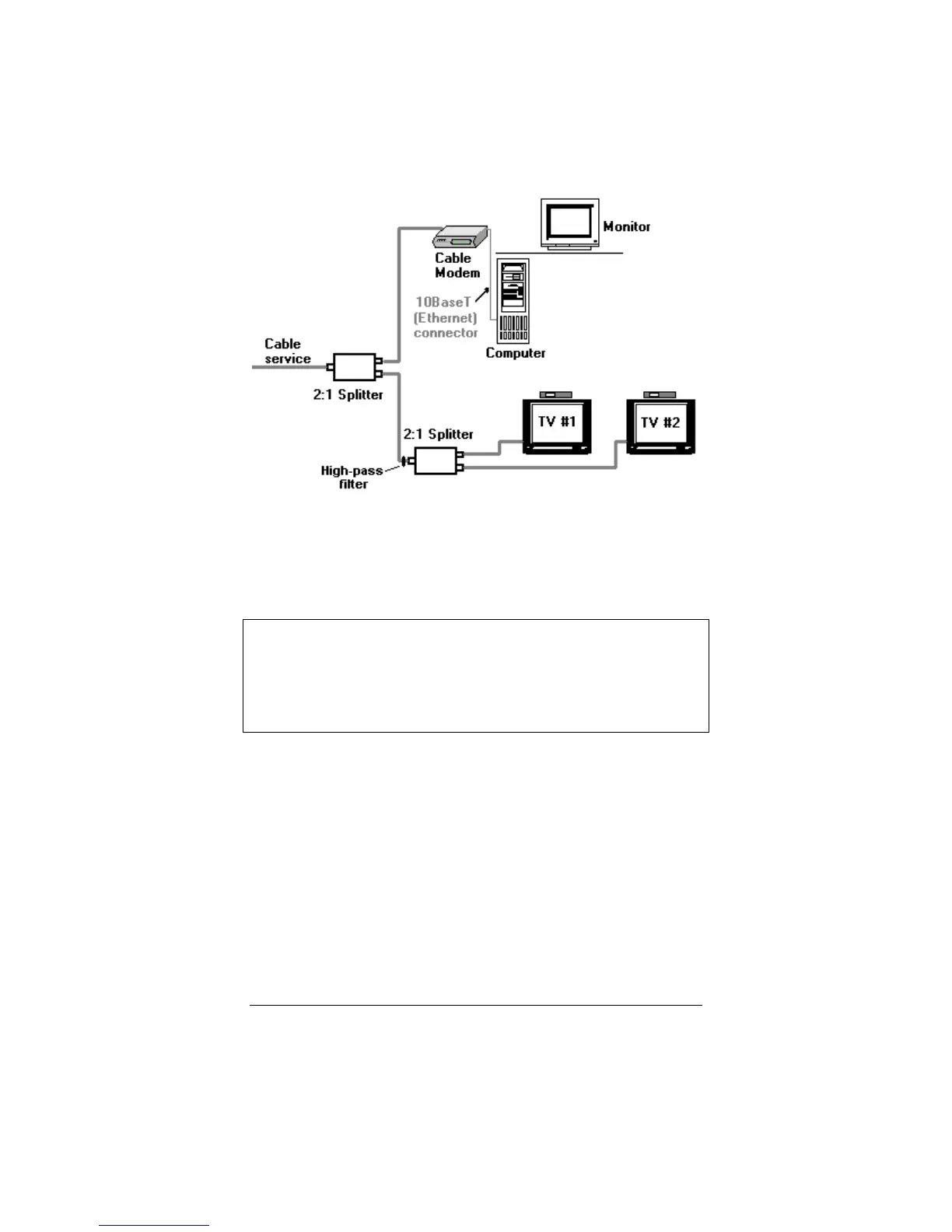
Make sure there is no video amplifier on the same line with the
cable modem. (A video amplifier prevents data from returning to
the cable provider's central office.)
Tip: Sometimes, when your cable modem service is restored after
a disruption, you may experience difficulty communicating.
If this happens, disconnect and reconnect the power, and let
the modem perform the automated synchronization process
again.



 To Next Page