Connecting with a different UltraSync BLUE
To receive timecode from an UltraSync BLUE other than the one connected to the , the current UltraSync
BLUE pairing (registration) must be forgotten and pairing with the other one must be conducted.
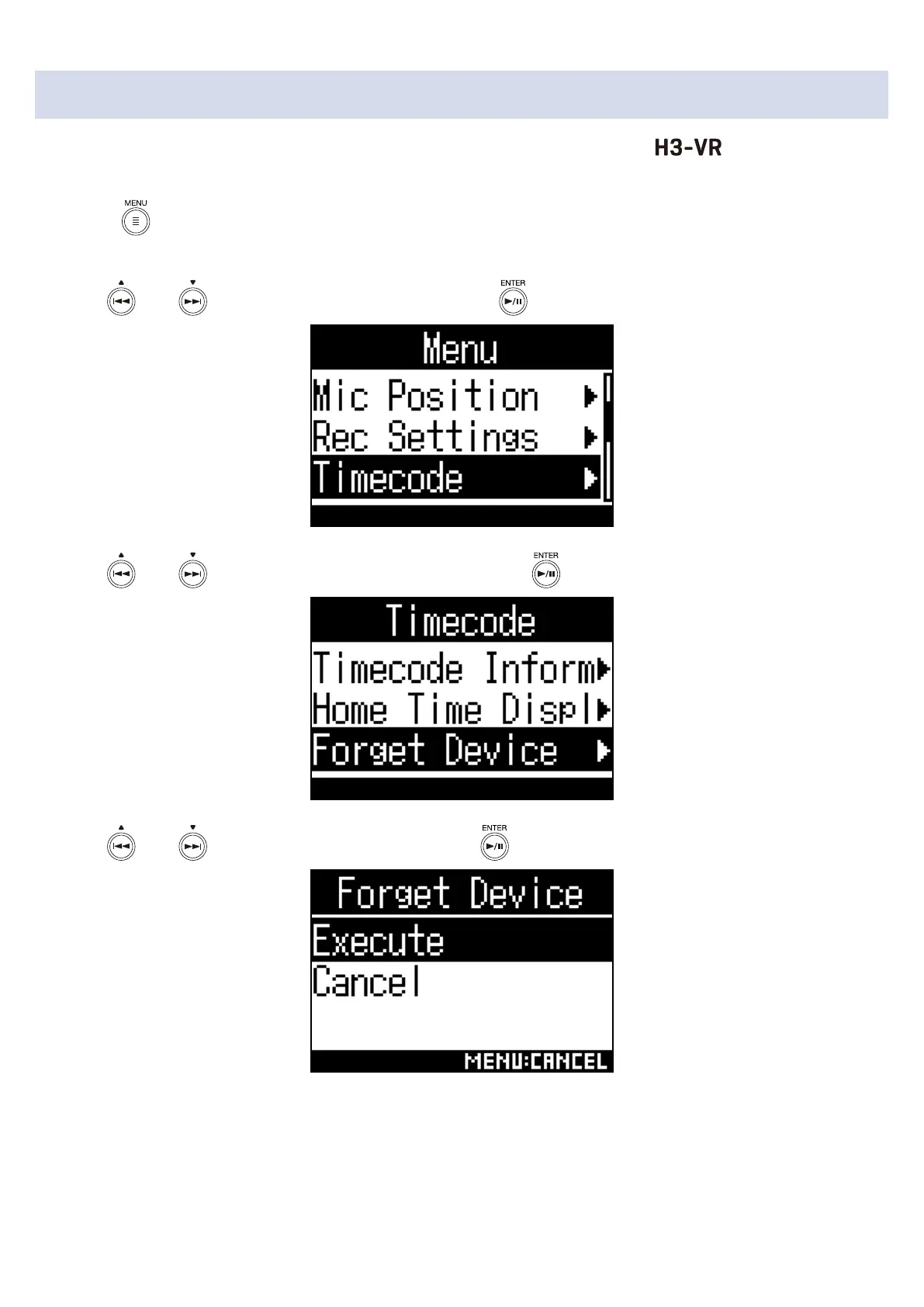
1. Press .
This opens the Menu screen.
2. Use and to select “Timecode”, and press .
3. Use and to select “Forget Device”, and press .
4. Use and to select “Execute”, and press .
6



 To Next Page
 Loading...








