19
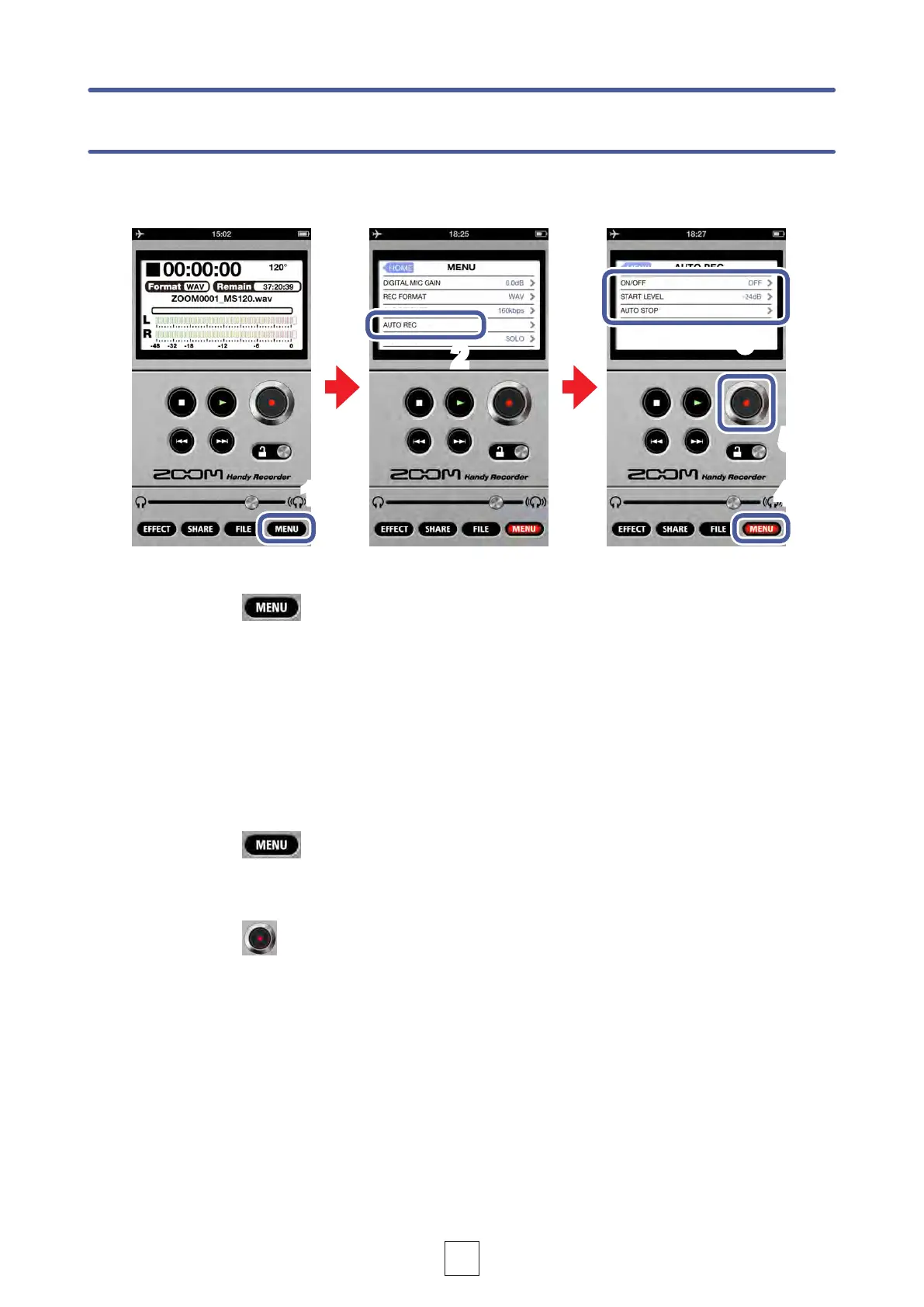
The AUTO REC function can be set to start and stop recording automatically.
1.
Touch
AUTO REC settings
5.
Touch
START LEVEL
2.
Touch AUTO REC
You can turn automatic recording ON/OFF and set its start level and stop conditions.
3.
Touch ON/OFF, START LEVEL or AUTO STOP
1 4
2
3
5
4.
Touch
The Main Screen reappears.



 To Next Page