EasyManua.ls Logo

Zoom iQ5 - Page 24

Zoom iQ5
30 pages
Print Icon
To Next Page IconTo Next Page
To Previous Page IconTo Previous Page
Loading...
24
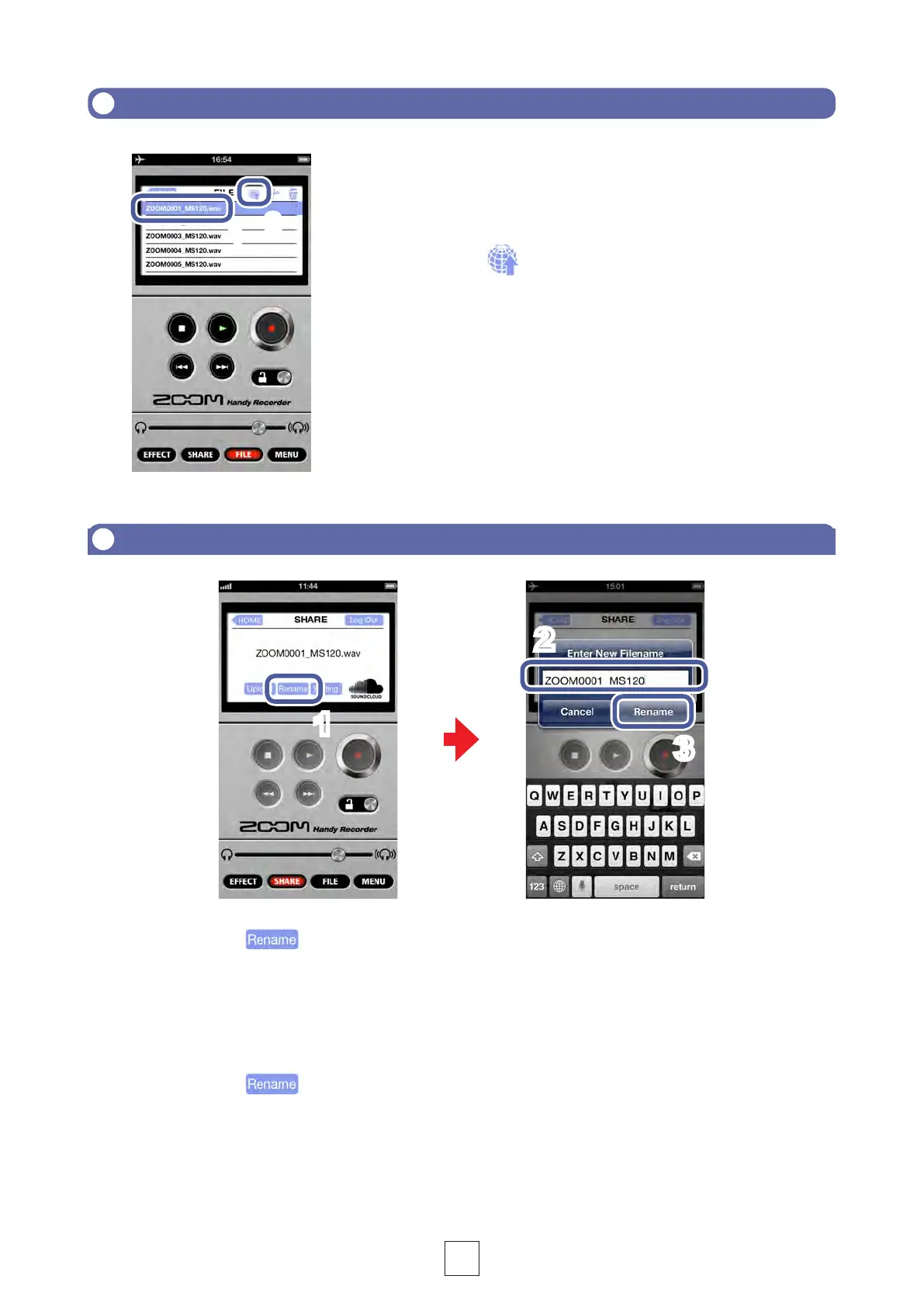
UploadinglestoSoundCloudfromtheFILEscreen
1.
Select the le you want to upload on the
FILE screen (
P9)
2.
Touch
The SHARE screen opens.

1
2
ChangingthenameofaletouploadtoSoundCloud
2.
Input the le name
1
1.
Touch on the SHARE screen

3.
Touch

2
3

Related product manuals