10
█
Playing sound pads
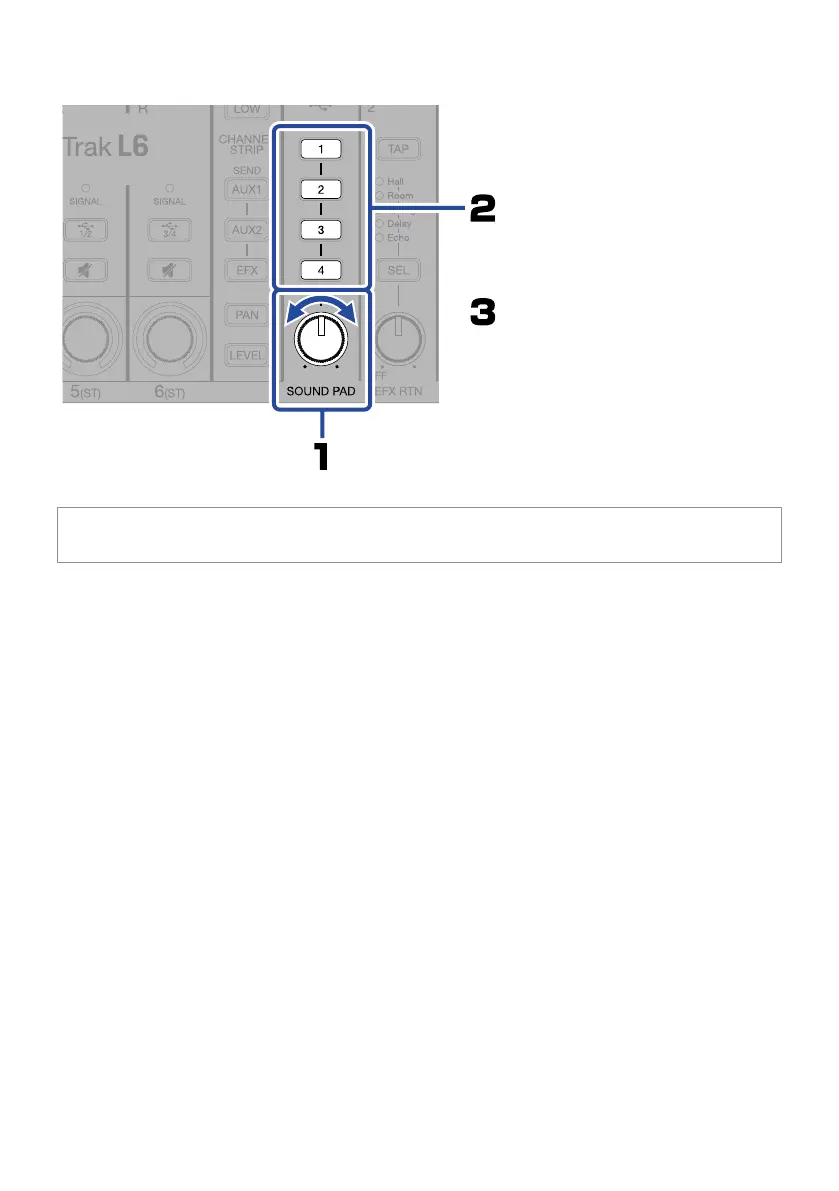
The sound will begin playing and the
button will blink slowly. Loop playback
will be used by default.
Press to play the sound.
Press again to stop the sound.
Turn to adjust the level.
By connecting the L6 to a computer and using the L6 Editor app, sound les can be assigned to the sound pads
and playback methods and levels can be set for each of them.


 To Next Page