13
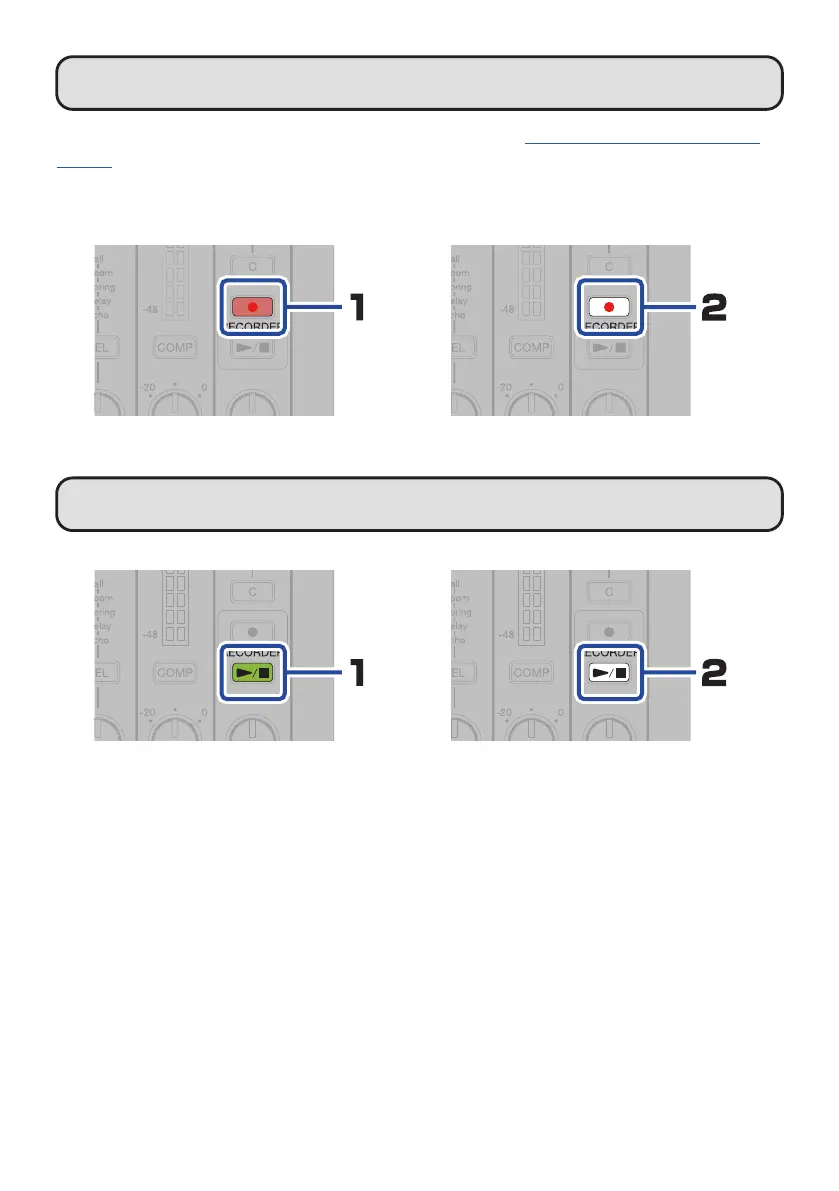
Stopping and starting recording
Use the L6 Editor app to set the date and time of the L6. (
→
“L6 Editor application for com-
puters”)
The date and time set this way will be added to the name of the folder where recording les
are saved.
This ends recording.This starts recording.
Starting and stopping playback
Press this to start playback of the
most recently recorded le from its
beginning.
This stops playback.


 To Next Page