14
■
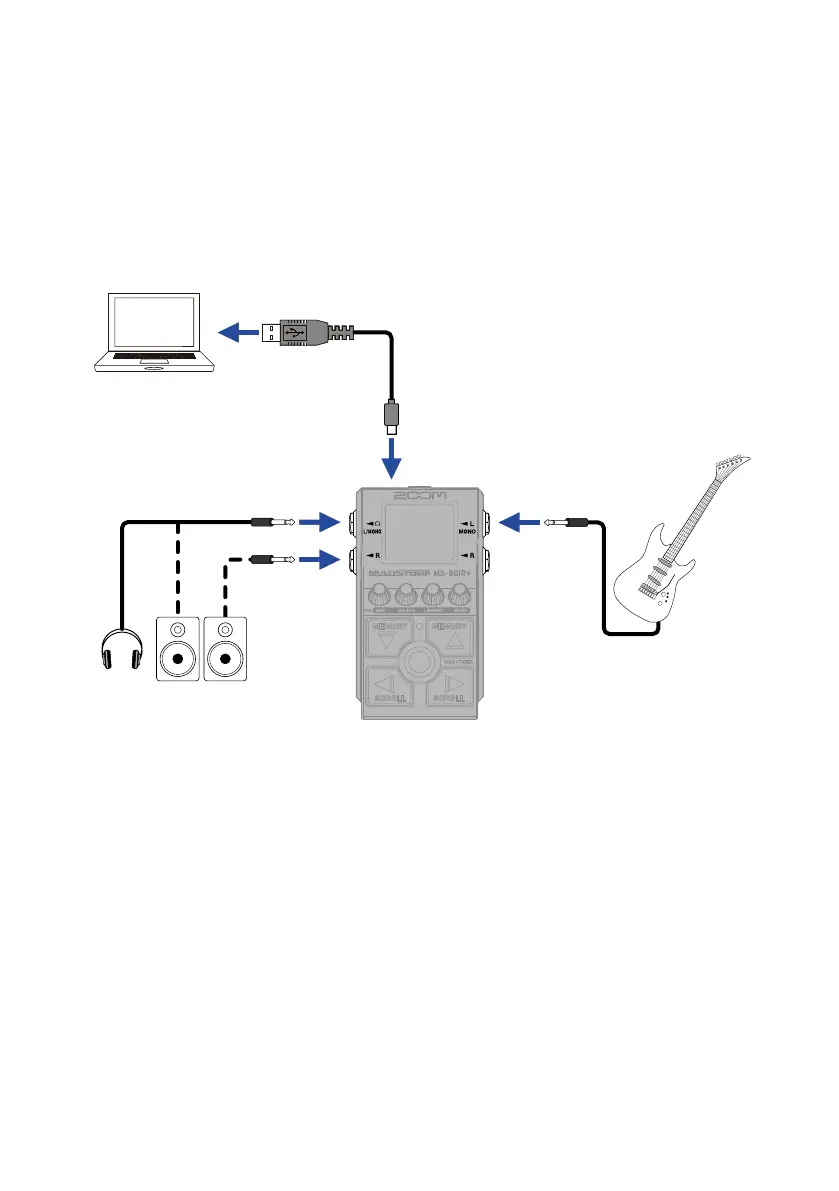
Audio interface
Connected to a computer, smartphone or tablet, this can be used as a 2-in/2-out audio inter-
face.
In addition to recording with your DAW software, you can enjoy performing while mixing
sound played from a smartphone with the MS-80IR+ sound.
A driver must be installed to connect with Windows computers. The latest driver can be
the ZOOM website (zoomcorp.com/help/ms-80irplus).
• Example of connection when recording with DAW software
Powered
monitors
Head-
phones
Guitar
USB (Type-C)
Use a USB cable that
supports data transfer.
Computer



 To Next Page