21
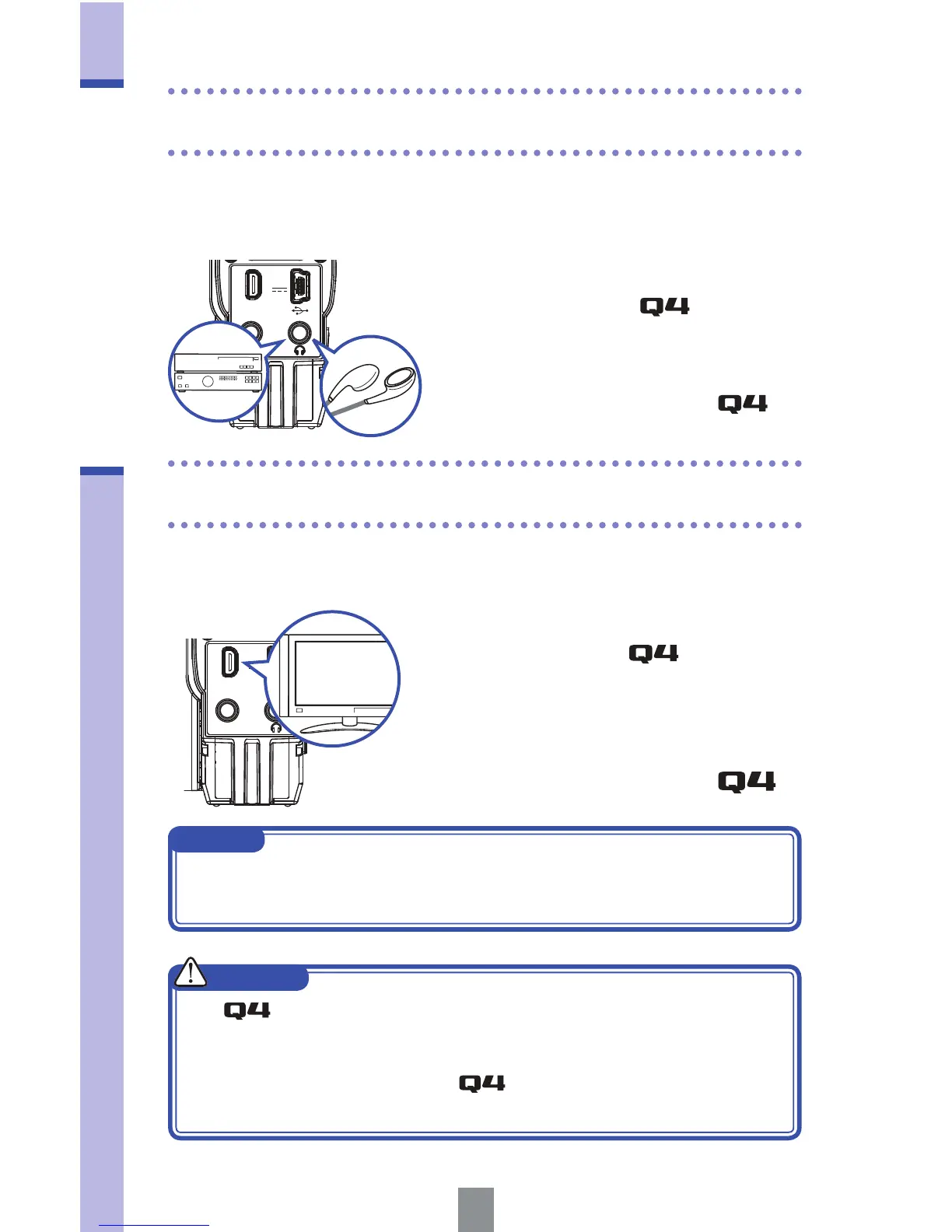
Headphones/line output jack/
HDMI output
Use an HDMI cable to connect with an HDMI TV to show recordings
in high definition.
You can listen to the audio with headphones or an external audio
amplifier.
Headphones/line output jack
HDMI output
1. Connect headphones or audio
equipment to the
headphones
jack using a stereo mini plug cable.
2. Start video playback on the .
1. Connect the HDMI jack
with a TV using an HDMI cable
(commercially-available).
2. Start video playback on the .
EXT IN
HDMI OUT
DC5V
EXT IN
HDMI OUT
DC5V
NOTE
Some TVs support different audio formats, so correct playback might
not be possible with them.
CAUTION
The HDMI jack uses a Type D Micro connector.
When using an HDMI cable (sold separately), be sure to use a High
Speed HDMI (category 2) cable that has a Type D Micro connector
on one end to connect to the
and a connector that matches
your TV’s HDMI input on the other.



 To Next Page