25
System settings
System settings
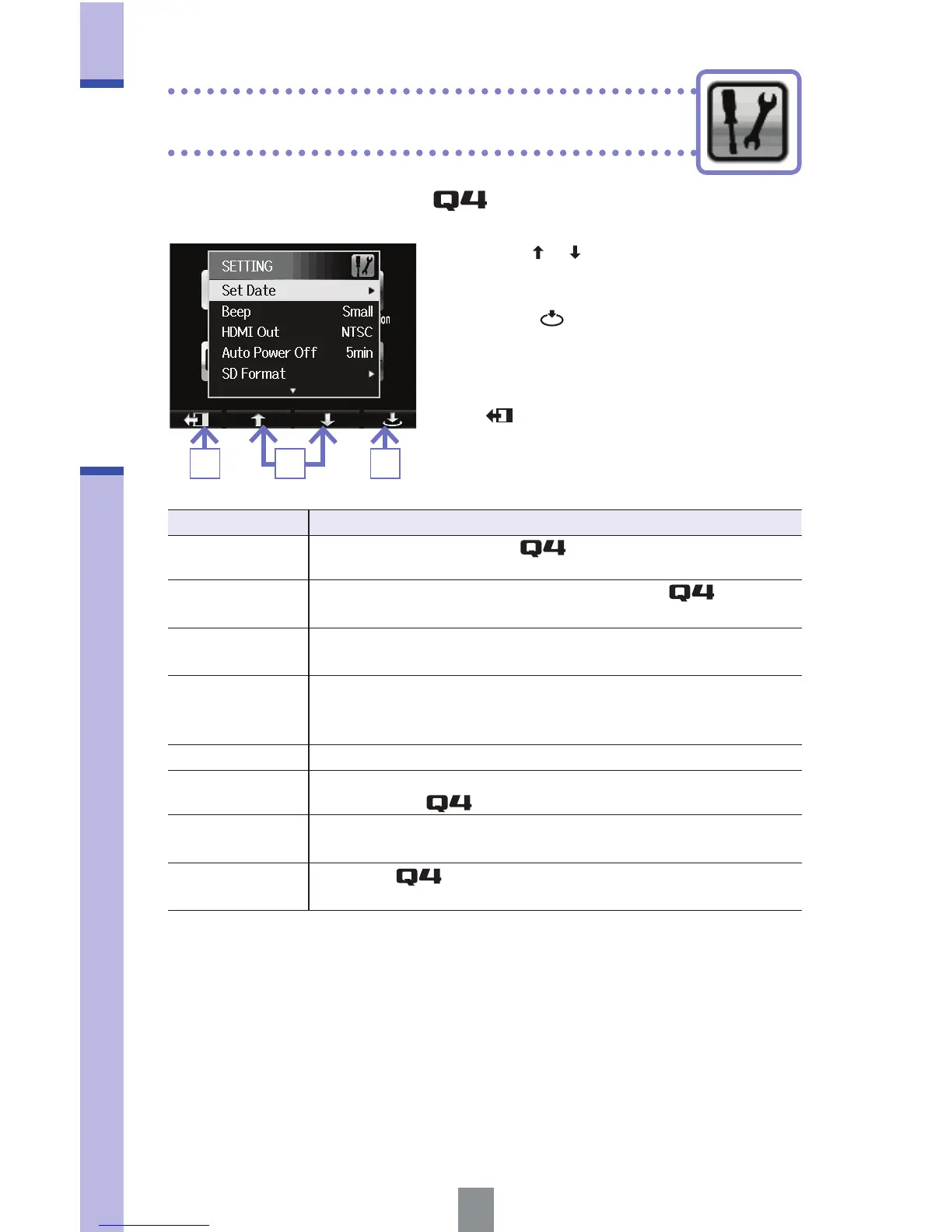
1. Use / to select an item.
2. Press .
3. After completing the setting, press
.
Make settings related to the system.
Setting Description
Set Date
Set the date and time of the
internal clock.
(See "Setting the time" on page 10.)
Beep
Set whether a beep sound is made when the
starts and
is operated. Select Off, Small or Large.
HDMI Out
Set the format of the video output from the HDMI jack to NTSC
or PAL.
Auto Power Off
Set whether the power turns off automatically when running
on batteries if no recording or other operation has occurred for
some time. Select Off or 2, 5 or 10 minutes.
SD Format Format an SD card.
(See "Formatting SD cards" on page 11.)
Reset
Restore video resolution, audio quality, scene and other
settings to the
factory default values.
Remove LCD
Select before removing the LCD unit during operation.
(See "Attaching and detaching the LCD unit" on page 5.)
Information
View the
system version and space available for
recording.
23 1



 To Next Page