23
USB connections
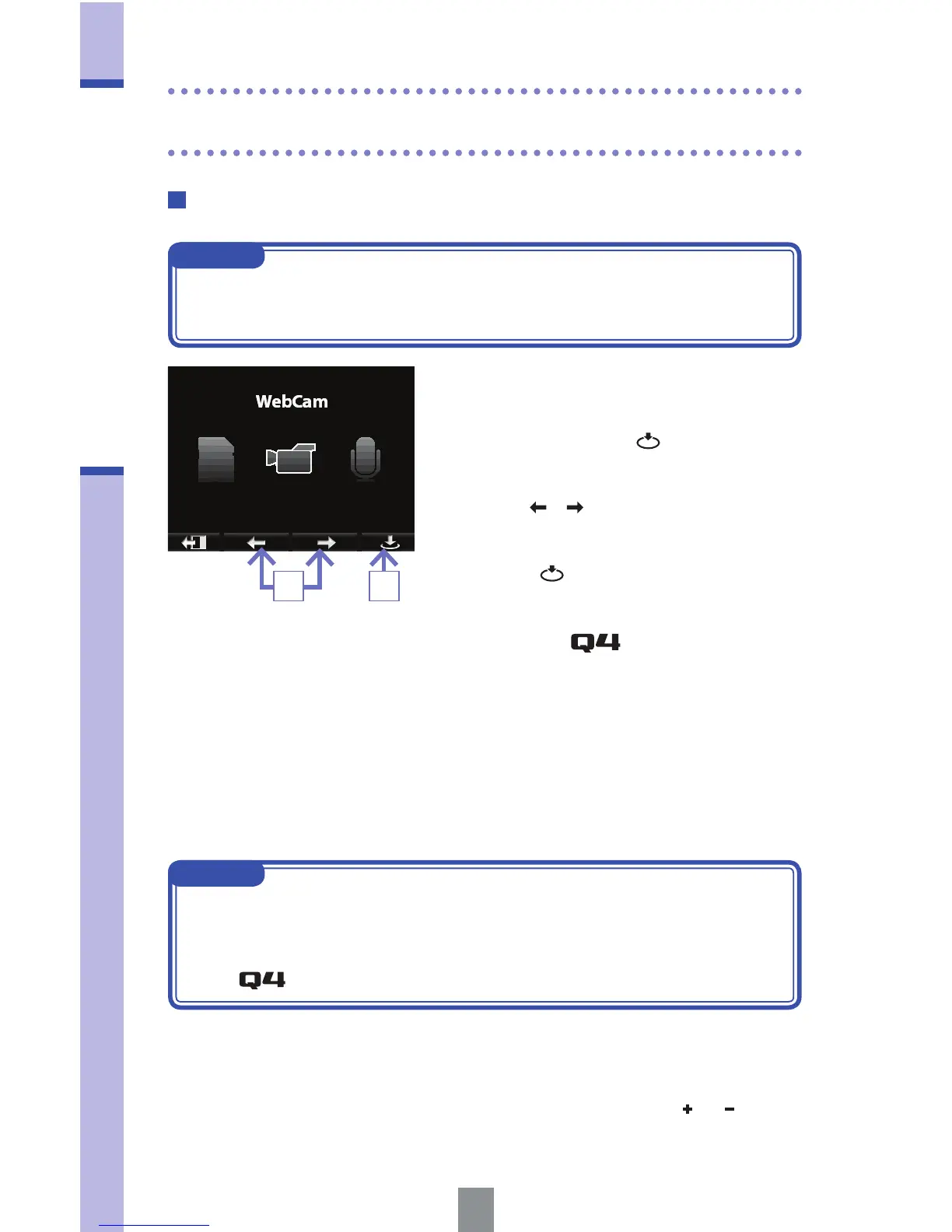
Using as a web camera (computer)
NOTE
Download the audio driver necessary for use as a web camera from the ZOOM
website (www.zoom.co.jp).
1. Use the USB cable to connect to the
computer, select USB on the menu
screen and press
.
2. Use / to select "WebCam".
3. Press .
4. Use the as a web camera
for computer streaming and other
applications.
5. To end use as a web camera, stop
streaming on the computer and
disconnect the USB cable.
NOTE
• Use the EXIT TO HOME menu item to return to the main screen.
• The recorder can simultaneously transmit video of up to HD720p and
48kHz/16bit quality PCM audio to a computer.
• The
cannot output computer playback signals.
Delay setting
When using the recorder as a web camera, if the streaming application
does not have a lip synchronization function, you can use
/ to set
the audio delay time so that it matches the timing of the video.
32
USB connections (continued)



 To Next Page