7
1.
Minimize both volume controls on the .
2.
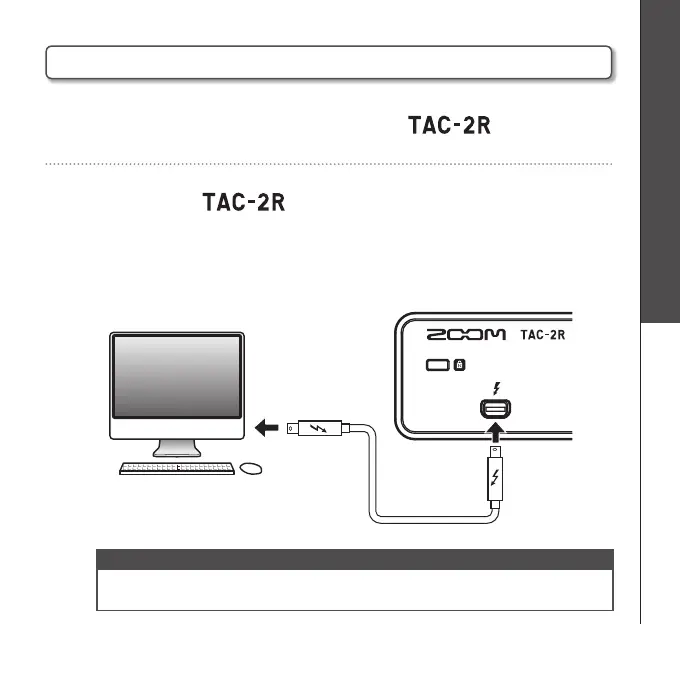
Connect the and the computer using a Thunderbolt
cable.
The power indicator will light when connected correctly.
NOTE
• The unit will not turn on if the driver is not installed.
Follow the instruction on page 6 to install the ZOOM TAC-2 Driver.
Connecting with a Computer
Connecting with a Computer
<Rear>



 To Next Page