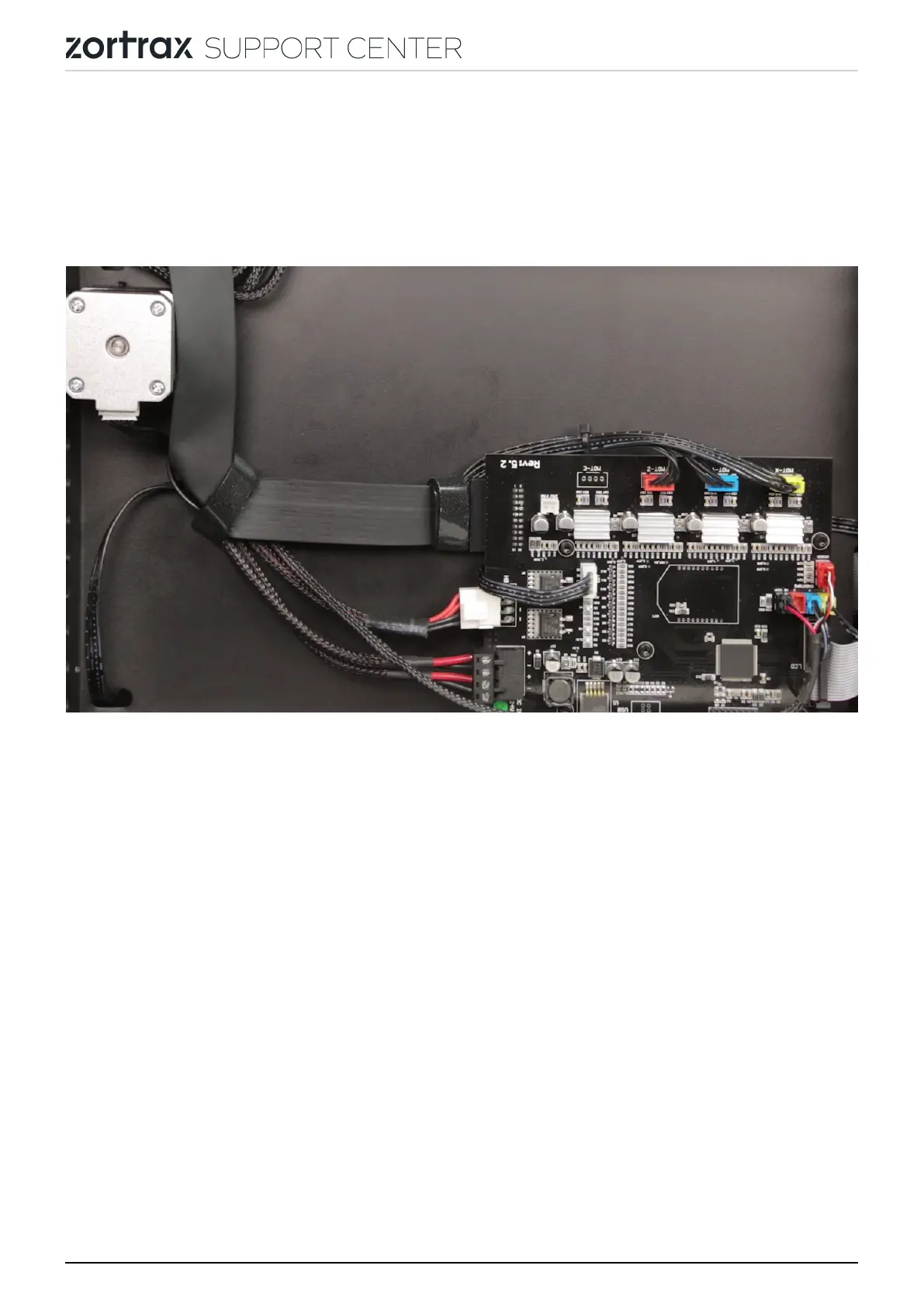
If the extruder cable you’re using has an adapter, separate the adapter from the cable
so you can plug it into the new version of the motherboard.
EXTRUDER CABLE REMOVAL
Unfasten the two extruder cable straps and unplug the cable from the motherboard.
Next, unfasten the third strap and pass the cable through the hole. Finally, open the
three cable clamps and remove the extruder cable.
EXTRUDER CABLE ASSEMBLY
page 14 / 26



 To Next Page