34
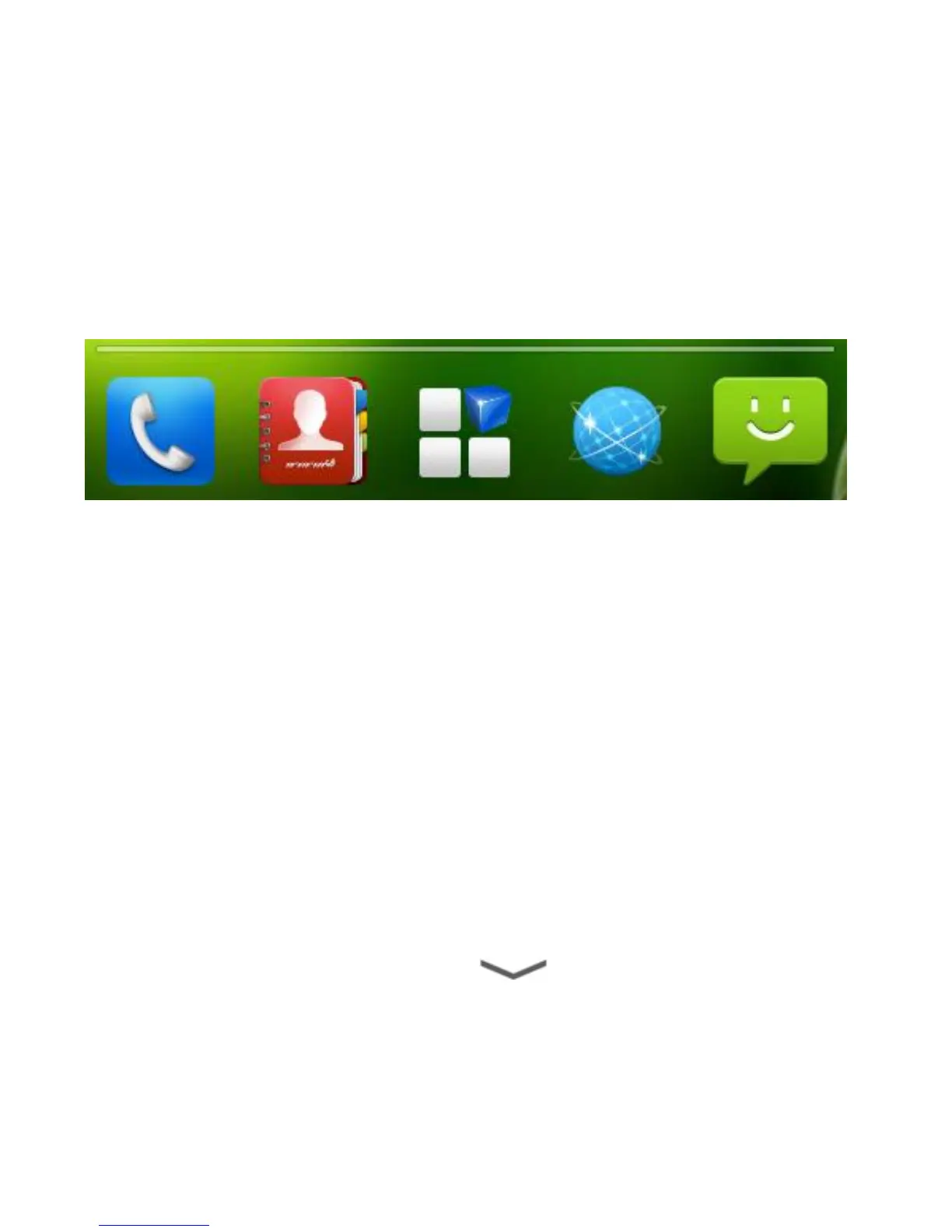
Rearranging the Favorites Tray
The home screen includes a customizable favorites tray at
the bottom visible from all home screen panels. You can drag
shortcuts and folders in or out of the tray for instant access
from any home screen.
To remove items from the favorites tray:
Touch and hold an item in the favorites tray and drag it out of the
tray.
To add items to the favorites tray:
Touch and hold an item on the home screen and drag it into the
favorites tray.
If the favorites tray is full, you need to remove an item in the tray.
Entering Text
You can enter text using the onscreen keyboard. Some apps
open it automatically. In others, you open it by touching where
you want to type. You can touch to hide the onscreen
keyboard.



 To Next Page