95
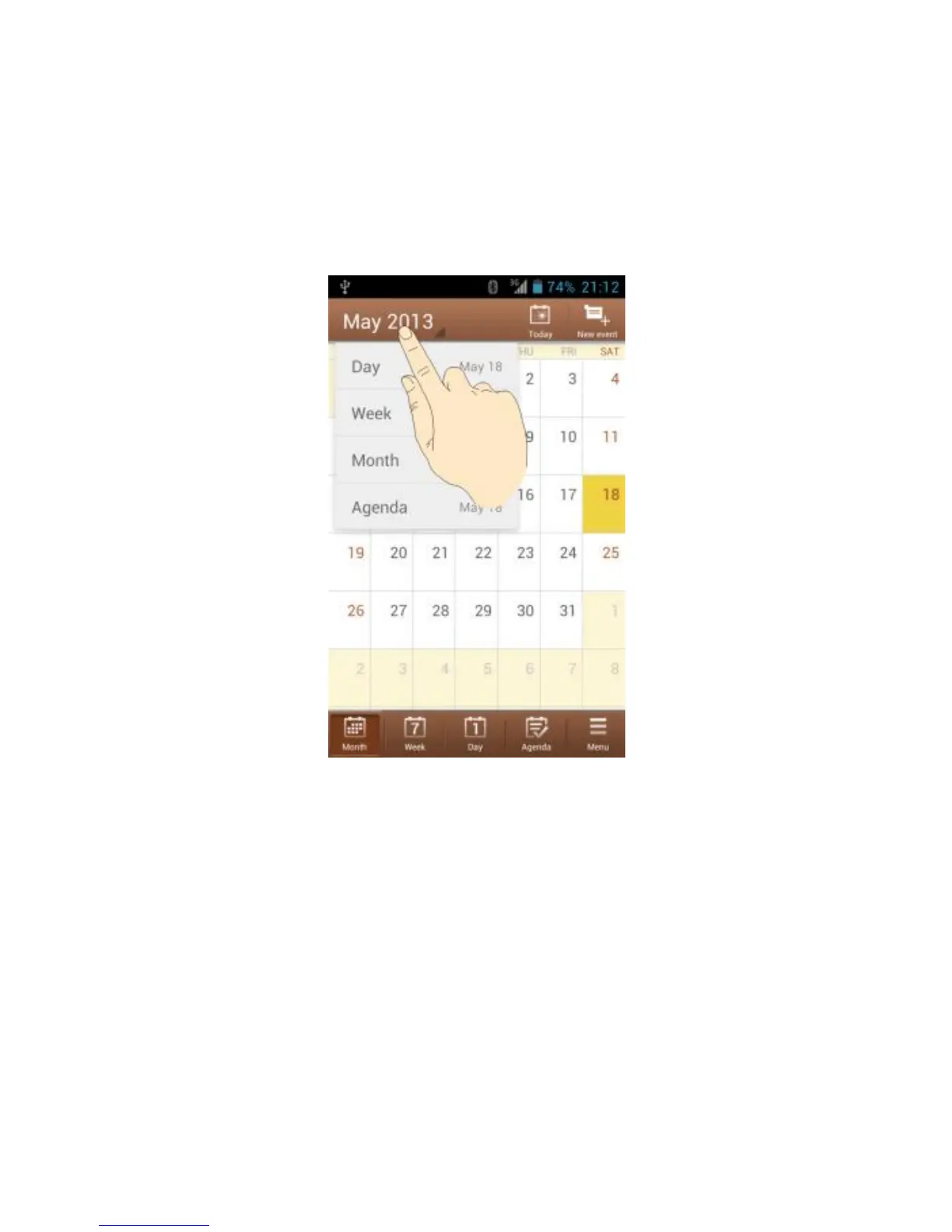
display. You can also touch the time period shown at the top left
and select the view you prefer.
You can also change to Day view from Month view by touching
any day in the monthly calendar.
In Month view, swipe vertically to see earlier months and
later months.
In Week or Day view, swipe horizontally to see earlier
weeks/days and later weeks/days.
When you are viewing earlier or later days, weeks, or
months, touch Today at the top to quickly switch to today.



 To Next Page