50
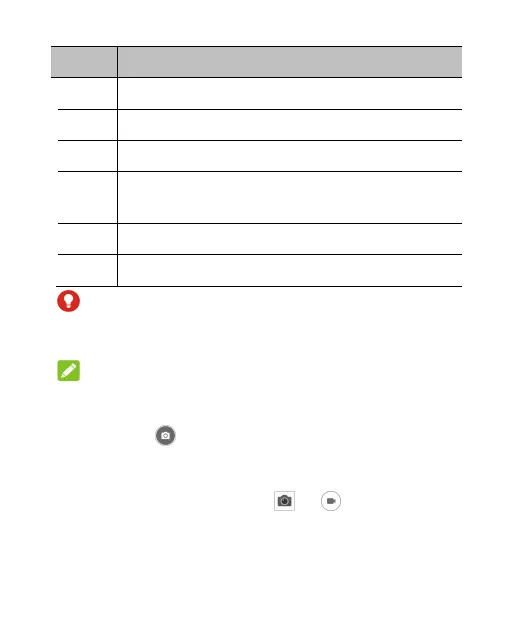
Number Function
1 Change the flash setting.
2 Capture a picture.
3 View pictures and videos you have taken.
4
Swipe left on the preview area for camera
settings and right for more camera modes.
5 Switch to the camcorder.
6 Switch between the front and back cameras.
WARNING!
Keep a safe distance when using the flash. Do not point
the flash towards the eyes of people or animals.
NOTE:
You can spread or pinch on the screen to zoom in or out
before taking pictures.
3. Lightly touch .
Recording Videos
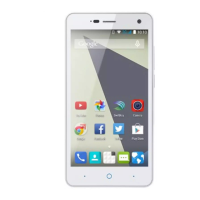
1. From the home screen, touch > .
2. Aim the camera at the subject. Swipe from the left side of
the phone to the centre to switch camcorder modes.



 To Next Page