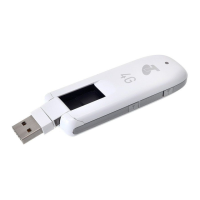
Installing the micro-SIM Card
1.
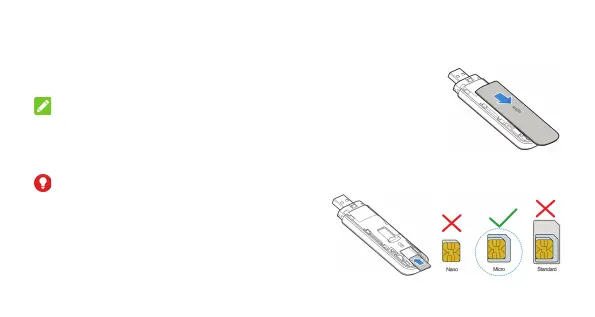
Press and push the front cover and remove it.
NOTE:
Open the front cover carefully. Failing to do so may cause damage to the
front cover.
2.
Insert a micro-SIM card to the micro-SIM card slot.
WARNING!
Your modem does not support SIM cards and nano-
SIM cards. To avoid damage to the modem, do not
use those cards or any card holders.
Solid State Supplies Ltd
+44 (0)1527 830800 | sales@sssltd.com | www.sssltd.com



 To Next Page