HOW TO SEND AN EMAIL
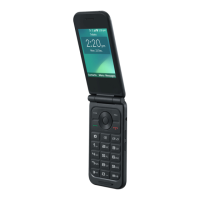
• Menu > Messages > Scroll across to Email > New Email
• Enter the email address e.g. username@domain.com. Press centre
key to input address from contacts
• Press the down arrow to access the Copy To Field
• Press the down arrow to access the Subject Field
• Press the down arrow to enter the Text Field
• Press left soft key > Options to Insert attachments if required
• Browse to the appropriate folder to add the attachment
• When you are finished press the centre key to select Ok to Send.
• Press the right soft key to go back to the previous screen at any time.




 To Next Page