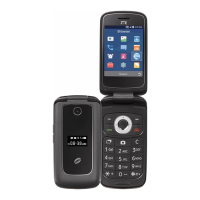
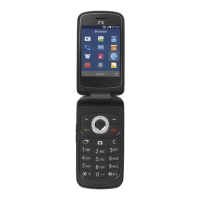
9
Wake up your phone
To save power the display will automatically dim and turn off after a pre-set period of time
(see Menu > Settings > Display > Sleep).
After the phone switches to the sleep mode press the power key to switch the display back
on. The keypad will be locked, Long press the Star key (*) to unlock it.
Make and answer calls
Make a call
You can make calls from the keypad, call log, or Contacts app.
Directly make a call
From the home screen enter the phone number using the key pad then press the Green
Call Key to make the call.
Make a call from the Call History list
Press the Green Call Key to open the call log screen. Select a recent caller from the list
using the navigation keys then press Detail > Dial or just press the Green Call Key to dial
the number.



 To Next Page