Function LED LED Status
Low voltage of the battery
Over-heat of the ESC and motor (95℃)
Sensored Mode
Sensorless Mode
Red LED
Blue LED
Red and Blue LED
Blue LED
Blinking
Blinking
ON
ON
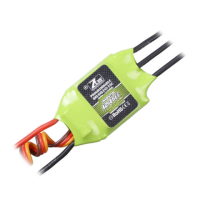
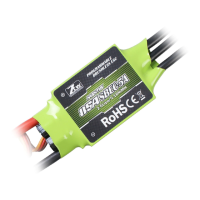
Using Turbo Series ESC for the debut
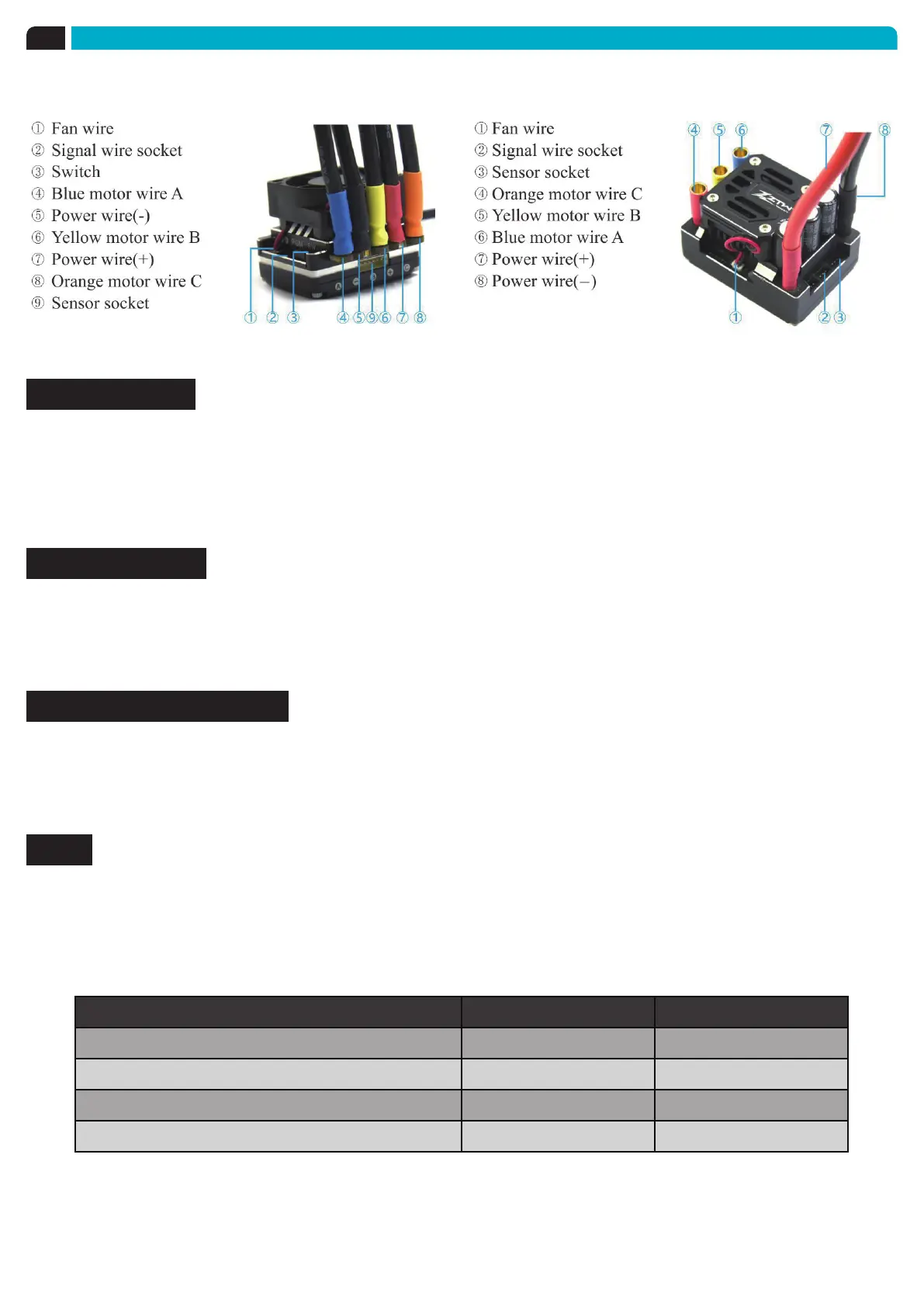
Please attend to each connections and make sure each assignment is correct.
Sensored Mode
When using a Sensored Brushless motor, the Blue motor wire A, Yellow motor wire B and Orange
motor wire C of the ESC must be connected with the Sensored motor wire A,B,C respectively. It
is necessary to connect the Sensor wire to the “Sensor” socket on the ESC. Don’t change the
wires sequence optionally.
Sensorless Mode
When using a Sensorless Brushless motor, the Blue motor wire A , Yellow motor wire B and
Orange motor wire C of the ESC can be connected with the motor wires freely. If the motor runs
in the opposite direction, please swap any two wire connections.
Connection to the Receiver
Black wire RX-
Red wire RX+6.0V
White wire RX-Signal
LEDs
◆
When the Power wires on ESC are connected with the battery pack, the ESC can automatically
identify the motor type (Sensored/Sensorless) via indicated LEDs.
◆
If the ESC works in Sensored Mode, remove the Sensor wire and the ESC will automatically
change to Sensorless Mode.



 To Next Page