Driver and software installation (Windows)
1. Download and install “ASI Cameras driver” from our website
https://astronomy-imaging-camera.com/software/ or CD-ROM.
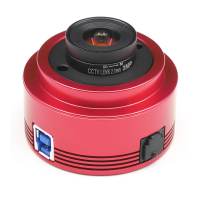
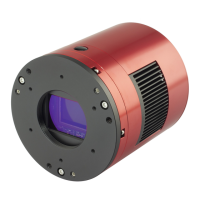
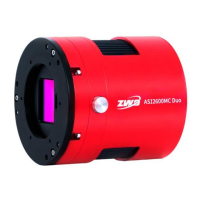
After plugging in the camera, you will see your ZWO camera model listed
under the “imaging devices” category of the Device Manager if the driver
is installed successfully.
2. Download and install SharpCap (image capture software) from our
website or CD-ROM. Choose your camera model from the camera menu.
Then you can see the preview video. Keep in mind that you will only see
some brightness in the preview video without lens or scope.
More detailed user manual can be found at our website:
https://astronomy-imaging-camera.com/manuals/


 To Next Page
 Loading...