-10-
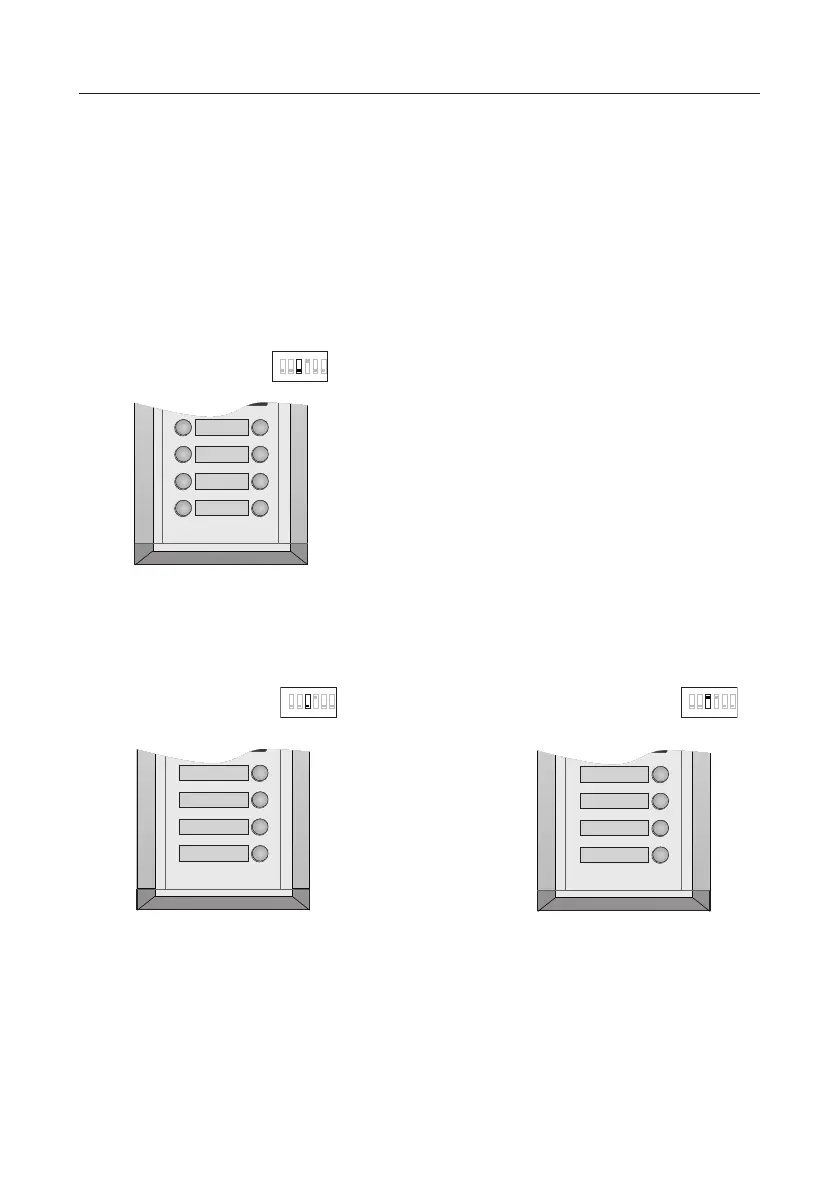
In the case of double row buttons:
• DIP3 switch set to off
1 2 3 4 5 6
07 08
05 06
03 04
01 02
08
06
04
02
In the case of single row buttons:
• DIP3 switch set to off
1 2 3 4 5 6
04
03
02
01
• DIP3 switch set to on
1 2 3 4 5 6
7. Call codes
The door station automatically assigns the call codes to the connected module’s buttons.
Regardless of the structure of the call button module, the button numbers are listed from
the top to bottom and from left to right (in the case of double row buttons):



 To Next Page