Reviewing Results
48 49
Reviewing Results
The test results measured by 2in1.
MICRO system are stored in the smart
phone. You can review your test results
whether or not your 2in1. MICRO meter
is connected to the smart phone.
STEP 1
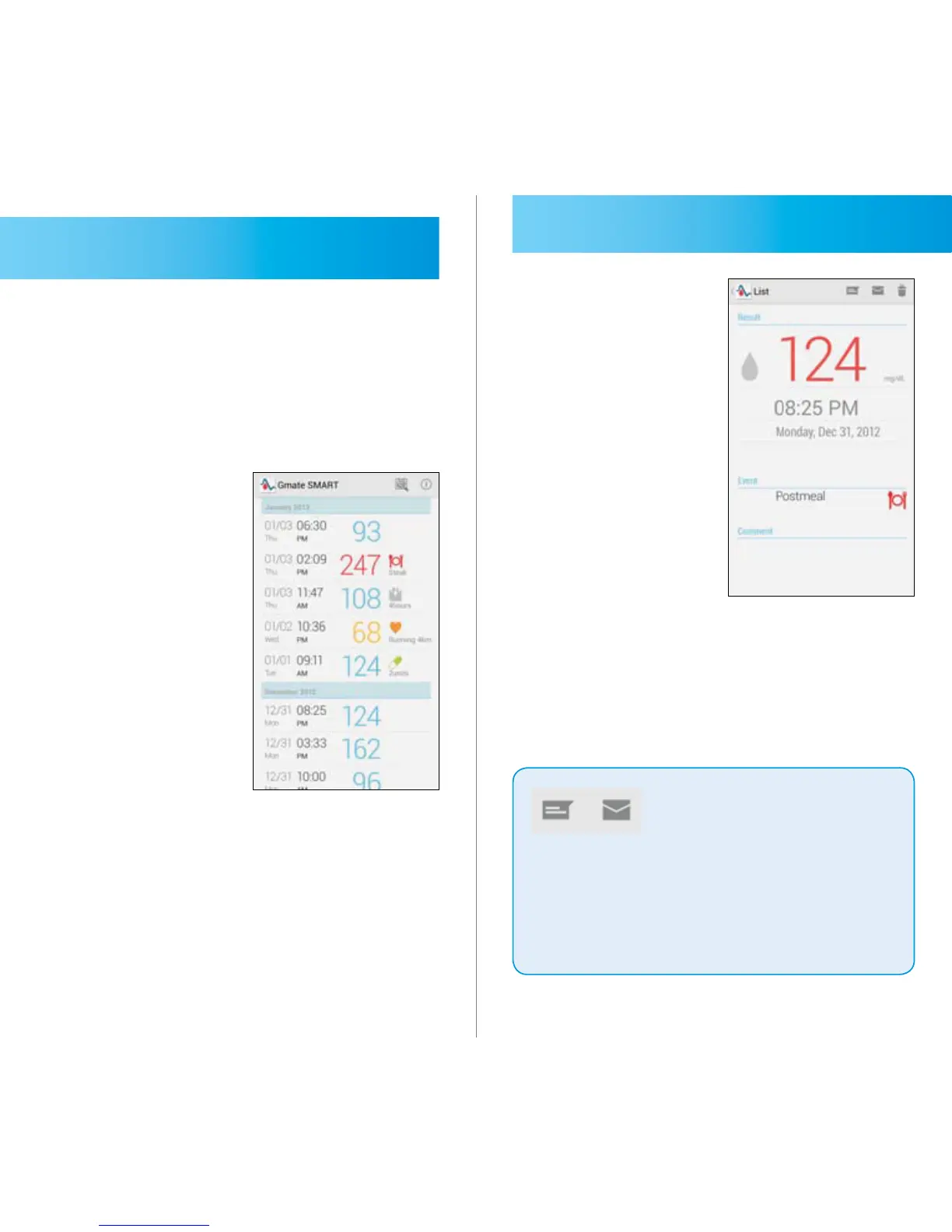
When you run the 2in1. MICRO
application to touch the icon of this
application in your smart phone, the
test results are displayed as a list.
The most recently measured result is
displayed at the top of the screen.
STEP 2
Touching each of these results on a list
shows a detailed information of that
result.
Message icon and Mail
icon is to transfer the
test results by SMS or
E-mail.
To secure the private information,
using cellular data instead of Wi-Fi
is recommended.
IMPORTANT



 To Next Page