Control Solution TestingControl Solution Testing
40 41
STEP 1
Tap the 2in1. MICRO icon on your smart
phone to open the application. If the
2in1. MICRO application is not installed,
install the application (See page 19).
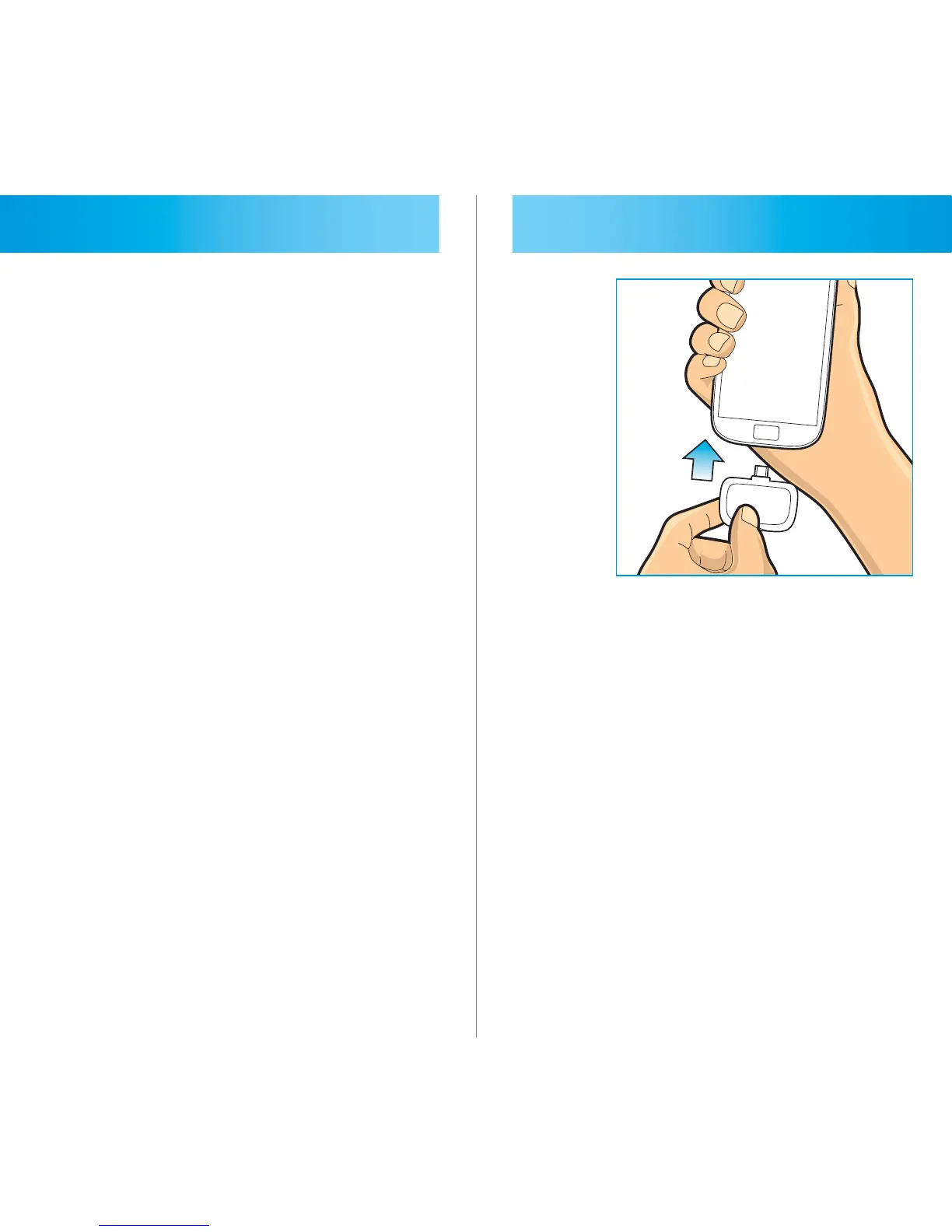
STEP 2
Plug the 2in1. MICRO meter into the
USB jack of your smart phone. The
white light will turn on showing the
meter and “Insert Strip” message and
picture will appear on the display.



 To Next Page