29
About Alternate Site Testing
28
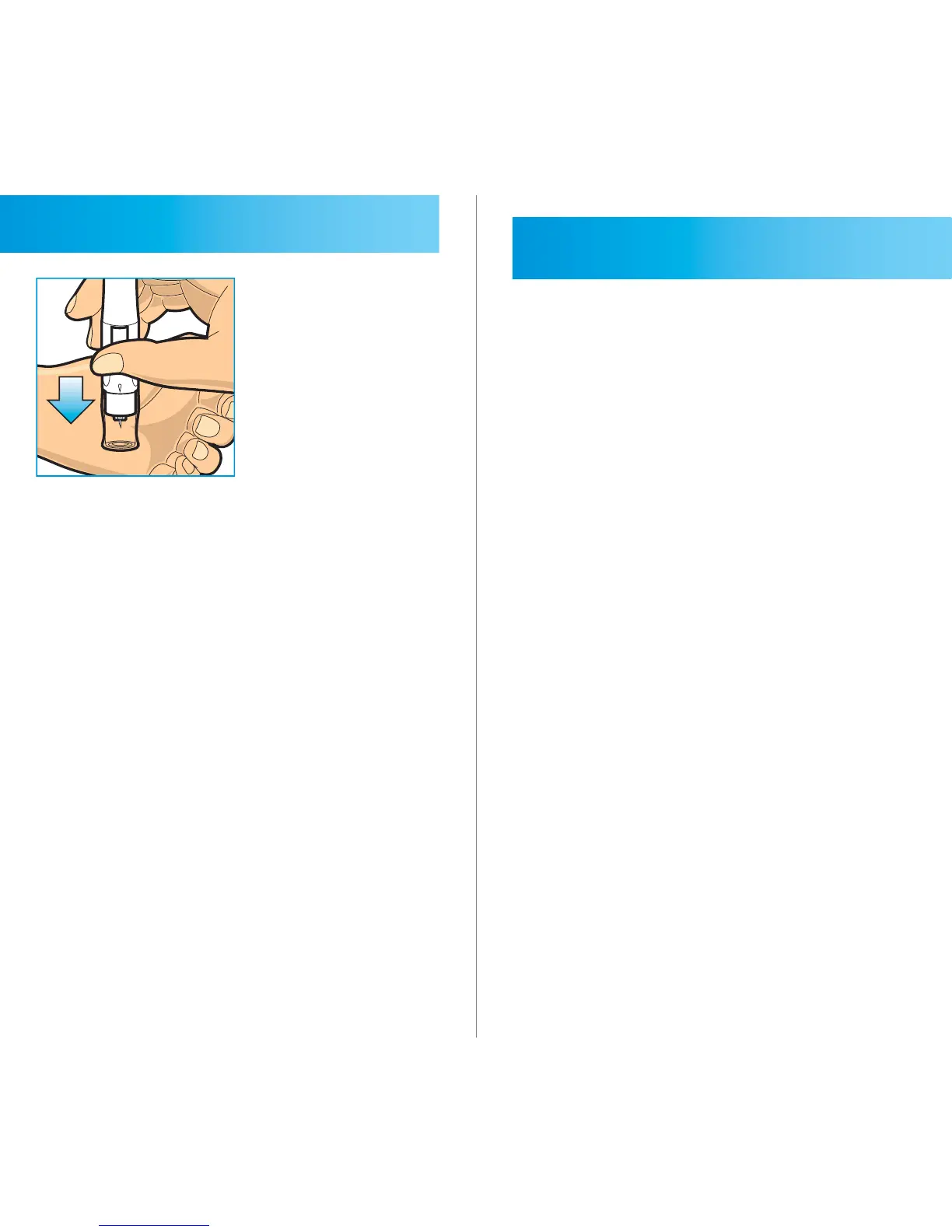
Place the lancing device on the skin
in the chosen site, press and hold the
lancing device continuously for a few
seconds, then push the release button
to take a sample. Watch through
the clear cap until a sucient blood
sample is taken. If there is not enough
blood, gently massage the area until a
sucient sample has been collected.
Testing Your Blood Glucose
STEP 1
Tap the 2in1. MICRO icon on your
smartphone to open the application.
If the 2in1. MICRO application is not
installed, install the application (See
page 19).



 To Next Page