Testing Your Blood GlucoseTesting Your Blood Glucose
30 31
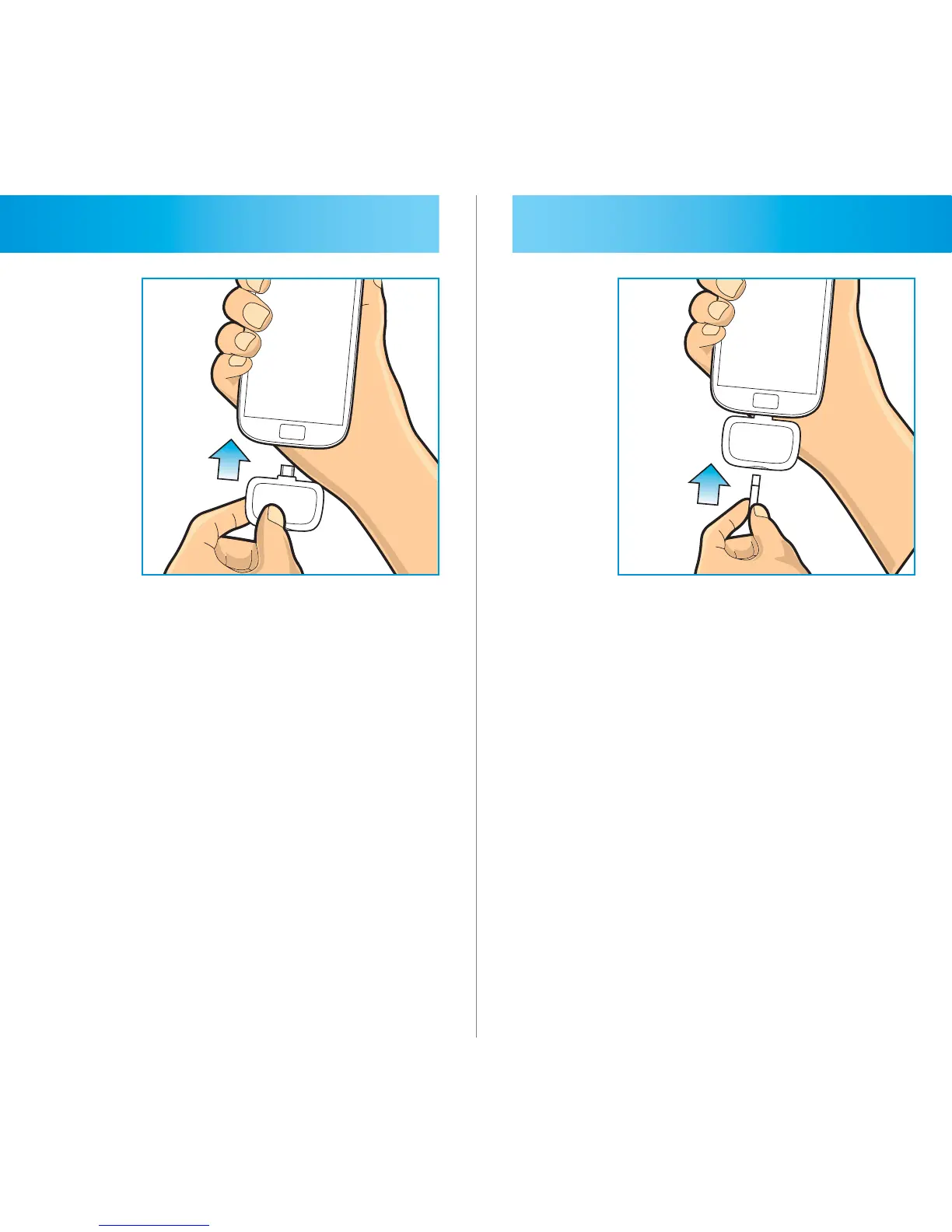
STEP 2
Plug the 2in1. MICRO meter into the
USB jack of your smart phone. The
white light will turn on showing the
meter and “Insert Strip” message and
picture will appear on the display.
STEP 3
Hold the test strip with electrode end
facing up. Insert the electrode end of
the test strip into the meter as far as it
will go using gentle pressure. Do not
force the test strip into the meter.



 To Next Page