Testing Your Blood GlucoseTesting Your Blood Glucose
32 33
STEP 4
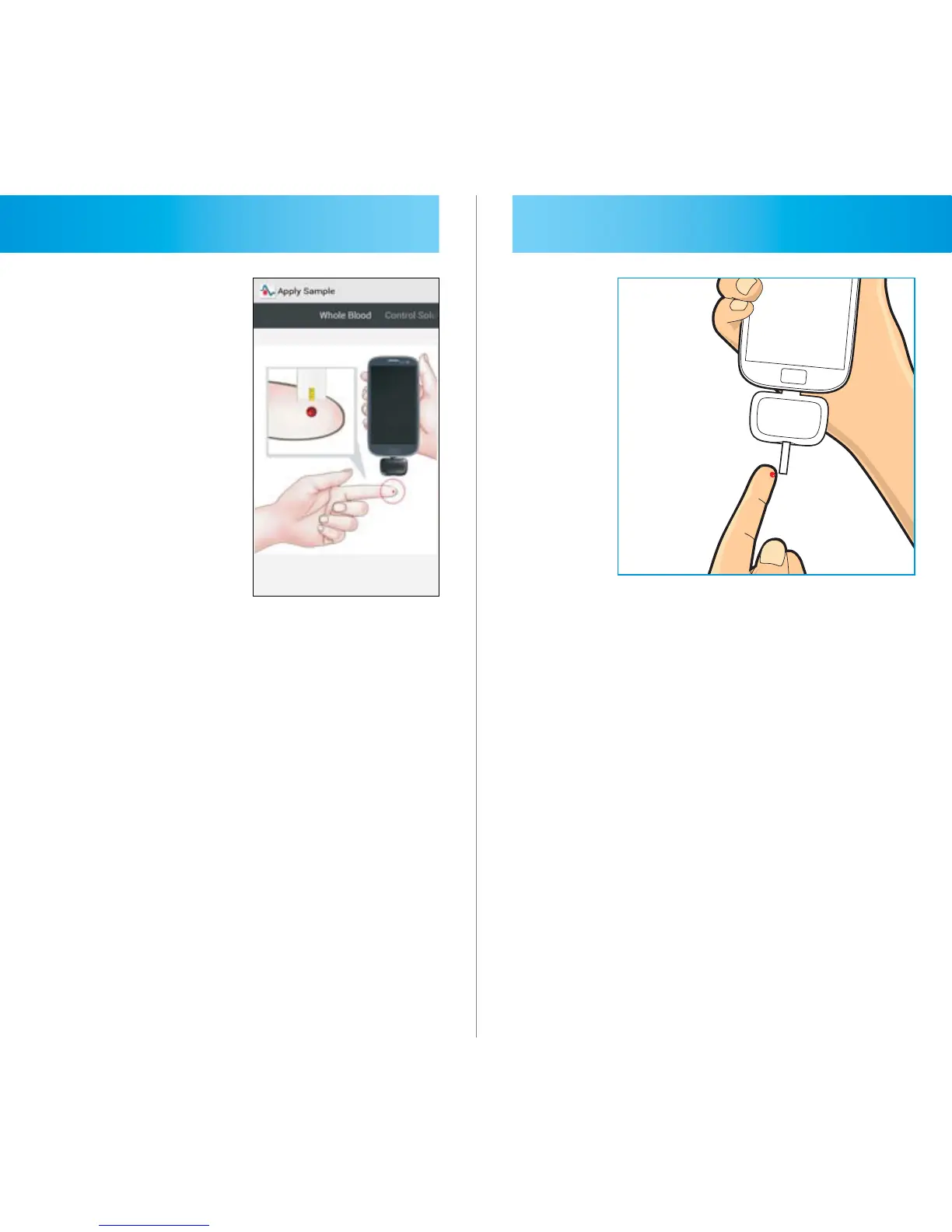
“Apply Sample” will appear letting you
know the meter is ready to test. To
mark the result as a control solution
result, slide the button at the bottom
of the screen.
STEP 5
Bring tip of the test strip to lightly
touch the drop of blood. Blood is
automatically pulled into the test strip.



 To Next Page