Control Solution TestingControl Solution Testing
42 43
STEP 3
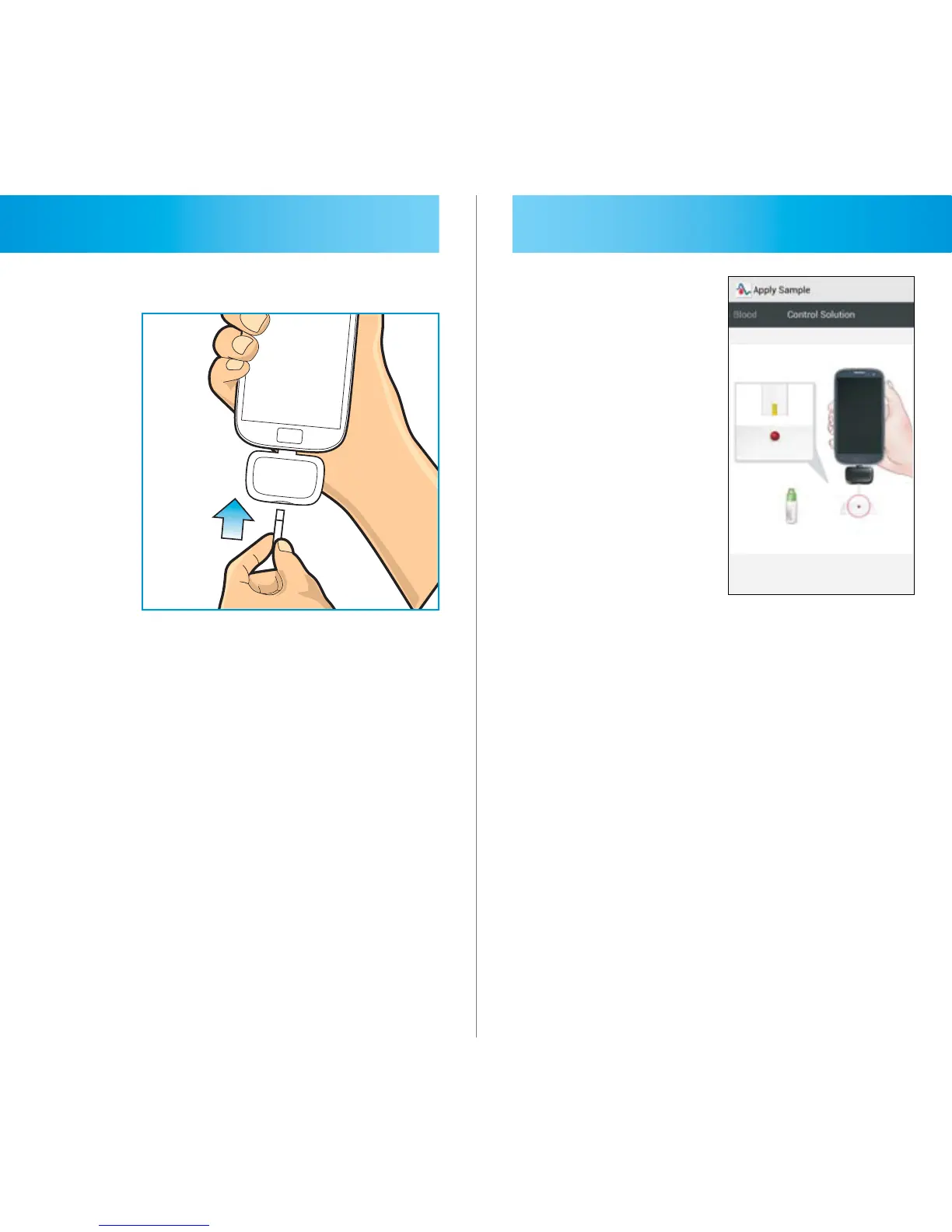
Hold the test strip with electrode end
facing up. Insert the electrode end of
the test strip into the meter as far as it
will go using gentle pressure. Do not
force the test strip into the meter.
STEP 4
“Apply Sample” will appear letting you
know the meter is ready to test. Slide
the screen, and the picture of control
solution test will be displayed on the
screen.



 To Next Page