Control Solution TestingControl Solution Testing
44 45
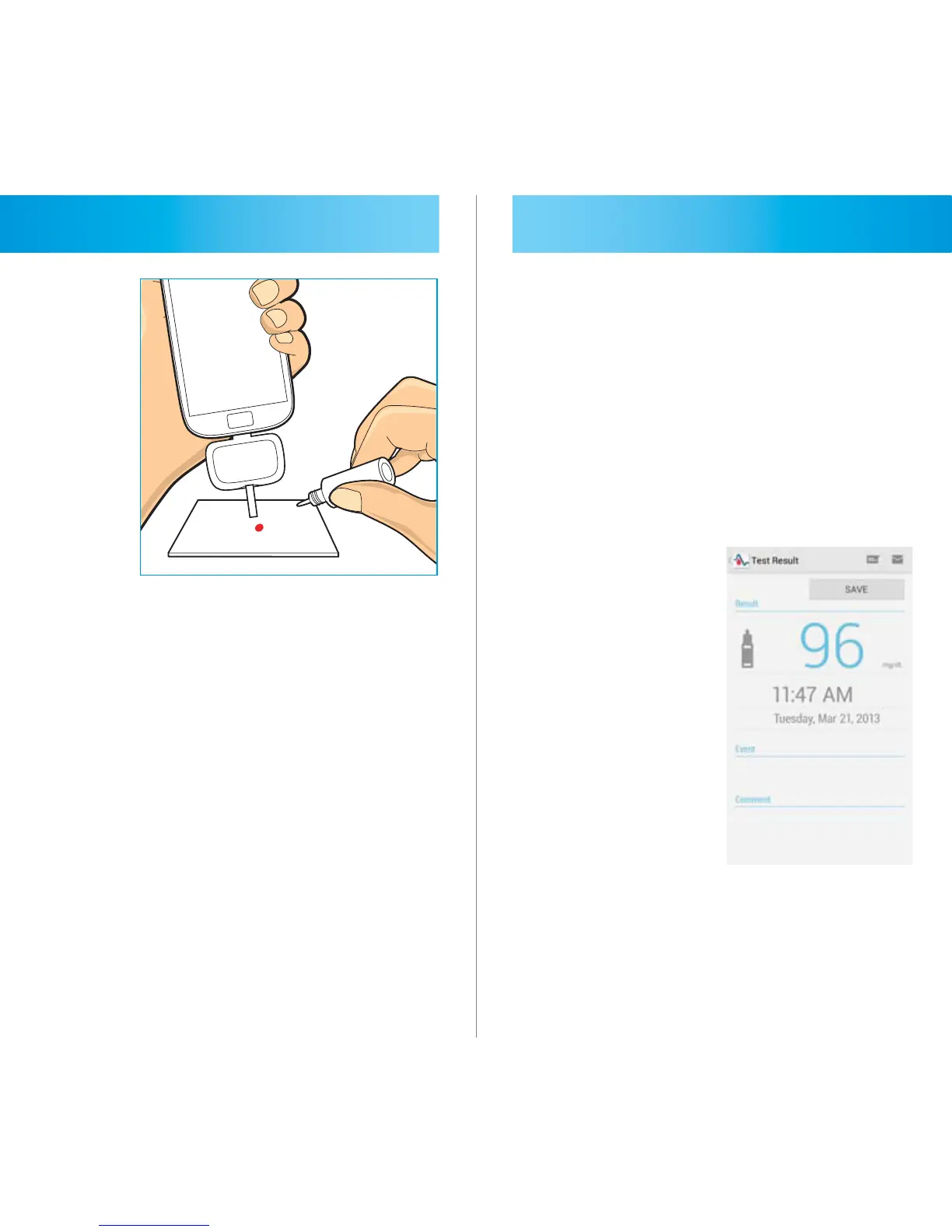
STEP 5
Shake the control solution vial and
remove the cap. Gently touch a drop
of control solution to the tip of the test
strip. Hold until the counting progress
starts.
STEP 6
The application will now show
counting progress during 5 seconds.
STEP 7
Your control solution test result is
show non the display screen and
automatically stored in your smart
phone.



 To Next Page