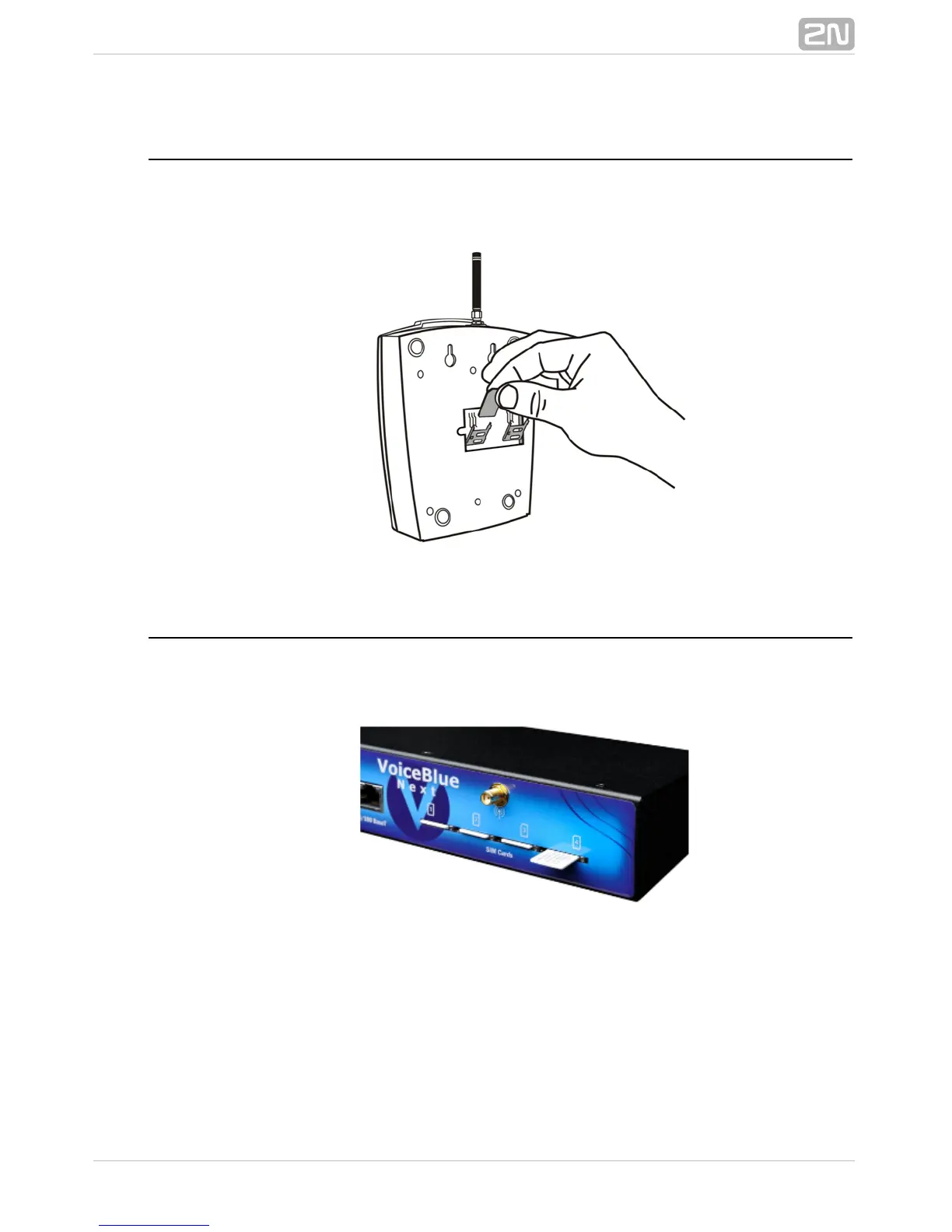
SIM Card Placement (2-Channel Version)
Lift off the SIM card holder on the backside, insert the SIM card2N VoiceBlue Next
®
and replace the holder, securing the latch.
SIM Card Placement (4-Channel Version)
Insert a SIM card into one of the four SIM holders on the front 2N VoiceBlue Next
®
making sure that the chip contacts are at the front bottom. The SIM holders are
equipped with the push&pull technology for facilitation.



 To Next Page