772N TELEKOMUNIKACE a.s., www.2n.cz
®
Licence key
This section helps you upload the licence file/code to 2N VoiceBlue NEXT
®
and
provides information on the current licence file. Refer to for moreGateway Control
details.
Caution
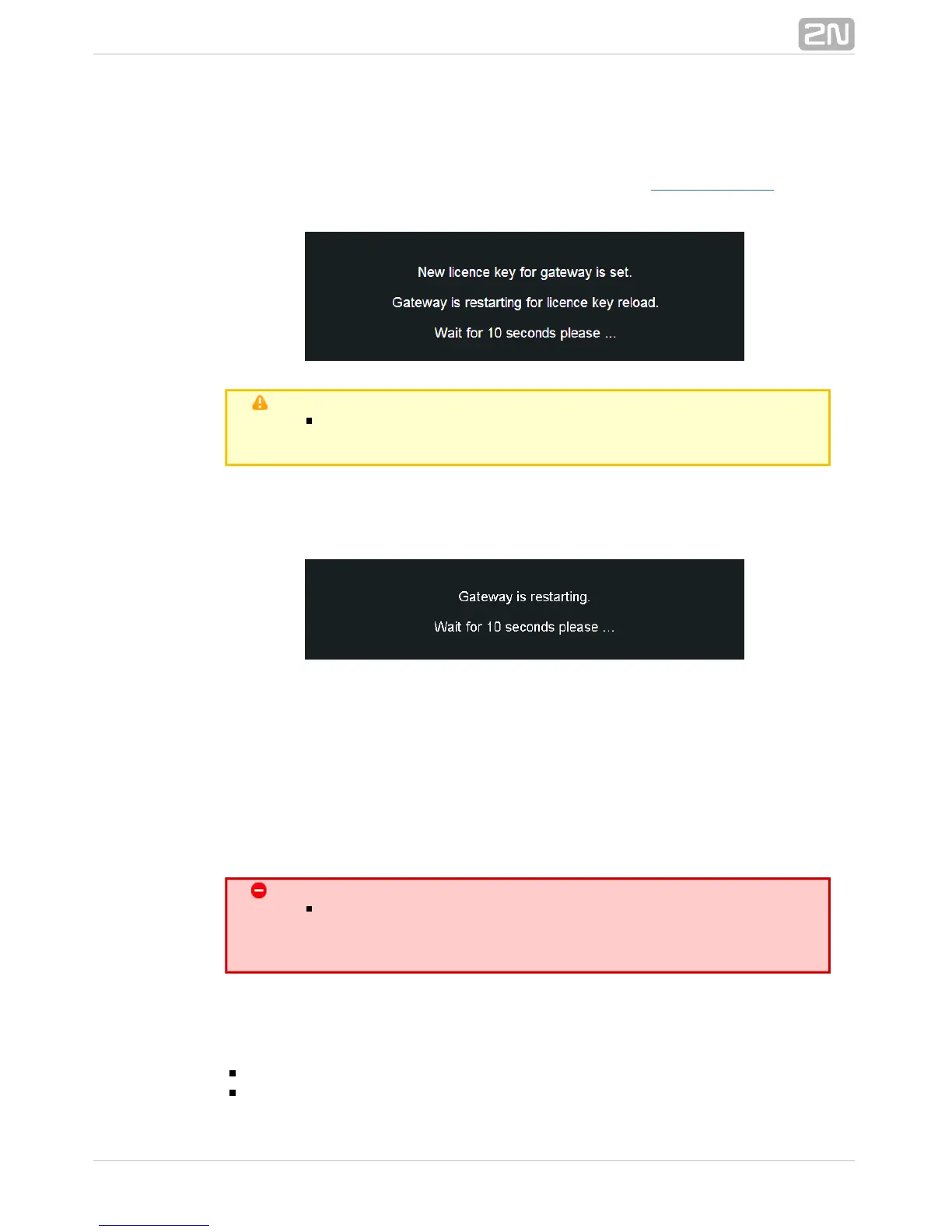
By inserting a new licence code you restart the GSM gateway
and discontinue all the currently made calls!
Restart
This subsection provides information on a forced restart of .2N VoiceBlue Next
®
Configuration download
The window helps you download the current configuration. The2N VoiceBlue Next
®
file format is .CFG–M202–gateway_serial_number–rrrrmmdd–hhmmss.tar
Configuration upload
The window helps you upload new configuration settings into co2N VoiceBlue Next
®
nfiguration. The Ethernet interface and login data remain the same!
Warning
Be sure to upload the configuration file intended for the selected
GSM gateway only to avoid malfunction of the GSM gateway and
the necessity to restart the system.
Configuration Reset
This subsection helps you restore the default configuration (except for Ethernet and
login).
– enable/disable keeping of the LCR table records .Including LCR table
– enable/disable keeping of the CLIP routingIncluding CLIP routing table



 To Next Page