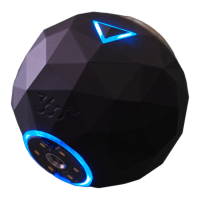
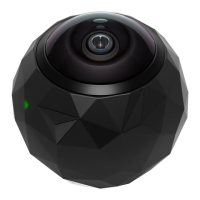
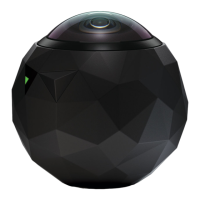
Connecting to the 360fly 4K:
The application will lead you through a step-by-step guide for establishing a Bluetooth LE and
Wi-Fi connection to your camera. When prompted, accept the Bluetooth pairing request within
the app to confirm your connection between your Apple device and your 360fly camera.
Note: A Wi-Fi connection is required to view your camera’s live feed and stored content. Check
your device settings to ensure that Bluetooth and Wi-Fi are both enabled prior to connecting.


 To Next Page