5
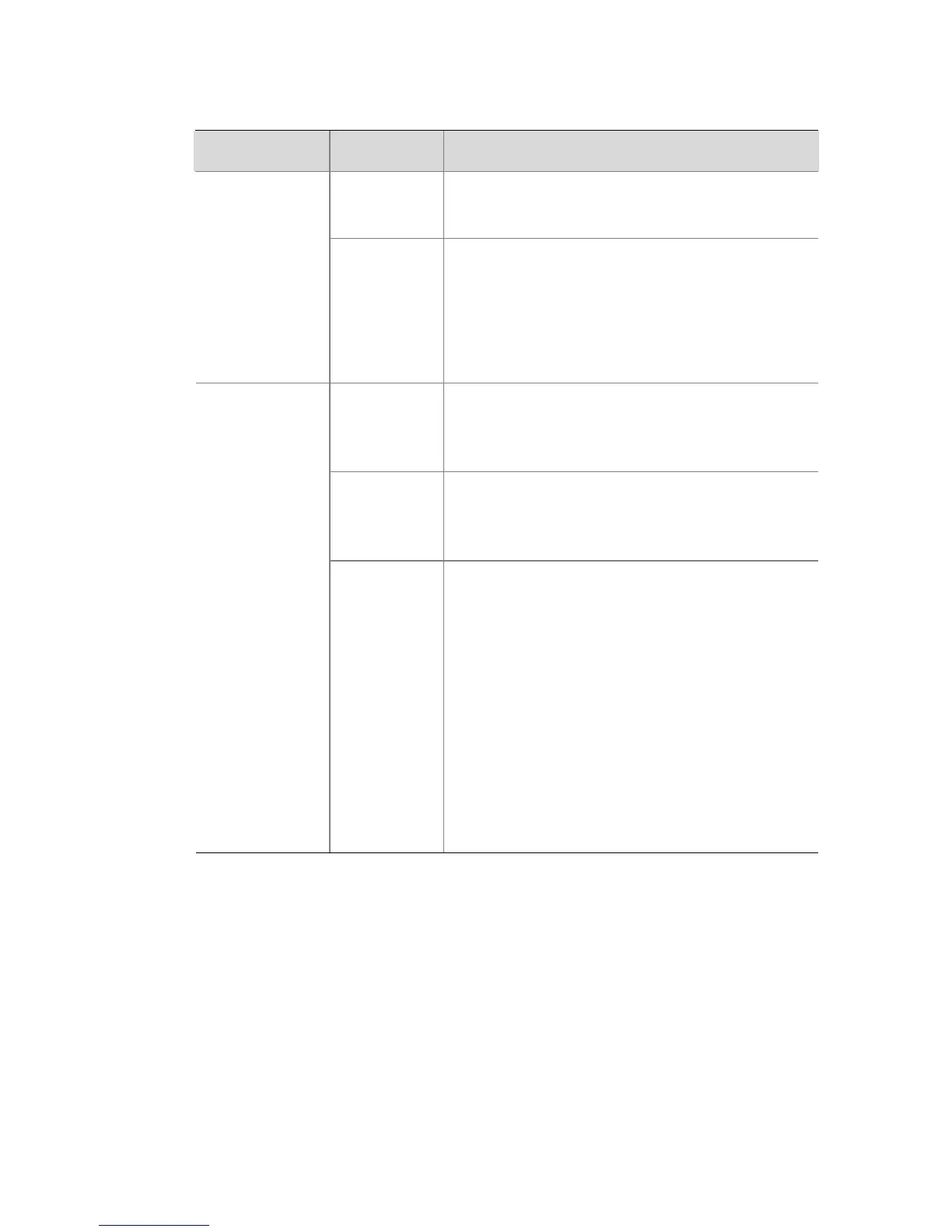
Table 1-2 Description on the LEDs of the Switch
LED Status Description
Green
The unit is powered on and ready for
use.
Power
OFF
The unit is not receiving power:
z Check that the power cord is
connected correctly.
z If the unit still does not operate,
contact your supplier.
Green
The port works at the rate of 1000
Mbps; the LED flashes quickly when
the port is sending or receiving data.
Yellow
The port works at the rate of 10 or 100
Mbps; the LED flashes quickly when
the port is sending or receiving data.
Link/Activity
Off
The link has not been established, or
there is a problem:
z Check that the attached device is
powered on.
z Check that the cable is of the
correct type and is not faulty.
z Check that the unit of the device
connected to the port is operating
normally. If the problem still exists,
contact your supplier for further
advice.
Technical Specifications
Table 1-3 lists the technical specifications of the Switch.






 To Next Page