Need help?
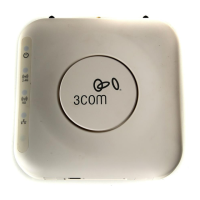
Do you have a question about the 3Com 3CRWX375075A - Wireless LAN Managed Access Point 3750 and is the answer not in the manual?
Instructions for mounting the AP3750 on flush ceiling tiles using T-bar clamps.
Instructions for mounting the AP3750 on drop ceiling tiles using T-bar clamps.
Procedure for mounting the AP3750 access point directly onto a junction box.
Steps for mounting the AP3750 securely to a solid wall or ceiling surface.
Guide for placing the AP3750 access point on a flat surface using adhesive rubber feet.
 General
| Brand | 3Com |
|---|---|
| Model | 3CRWX375075A - Wireless LAN Managed Access Point 3750 |
| Category | Wireless Access Point |
| Language | English |

 To Next Page