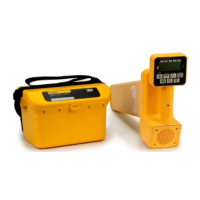
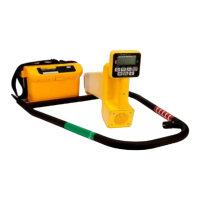
3
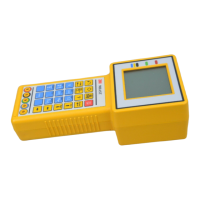
3) Set the unit on a table upright
4) Plug the power cord into the top socket on the back of the unit.
5) Plug the power adapter into a wall out. A green light will illuminate on the unit.
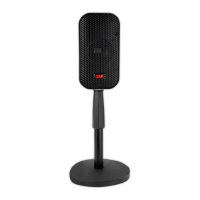
6) Insert the microphone assembly into the middle socket on the back of the unit. Take care to ensure the plug is properly
aligned into the socket.
7) Hang both microphones by the integrated clips to the clip on the front of the unit.
8) Attach the USB cord to the bottom socket on the back of the unit.
9) Insert the free end of the USB cord into a USB port on your computer.


 To Next Page
 Loading...