Maintenance Attentions ...........................................................................................................................
1. Printer features .....................................................................................................................................
Overview .........................................................................................................................................
Main features .................................................................................................................................
Technical parameters .......................................................................................................................
2. Appearance and components ..............................................................................................................
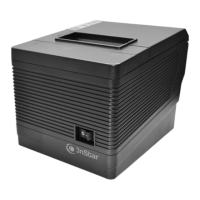
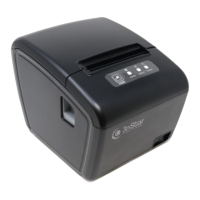
Product appearance ........................................................................................................................
Connection diagram of control board components ........................................................................
Printer interface ..............................................................................................................................
Power interface........................................................................................................................
Cash-box interface ..................................................................................................................
USB interface ..........................................................................................................................
Serial interface ..............................................................................................................................
Ethernet interface ..........................................................................................................................
3. Buttons, indicator lights and functions ..............................................................................................
Paper feed key .................................................................................................................................
Power indicator light ............................................................................................................................
State indicator light ...............................................................................................................................
Paper shortage indicator light ...............................................................................................................
Printer state description ........................................................................................................................
4. Installation and use ...............................................................................................................................
Interface connection ........................................................................................................................
Connection to the power adapter ...........................................................................................
Connection to the interface cable ...........................................................................................
Connection to the cash-box.....................................................................................................
Paper roll installation......................................................................................................................
5. Fault treatment guidelines ...................................................................................................................
Power ................................................................................................................................................
Print .......................................................................................................................................................
Paper feed .............................................................................................................................................
Cash-box ...............................................................................................................................................
Indicator light/buzzer ............................................................................................................................
Communication ....................................................................................................................................
Paper cutting .........................................................................................................................................


 To Next Page