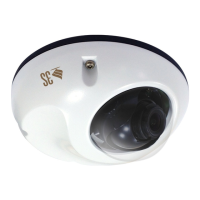
N9071 Mini Dome Network Camera 2 Megapixel + H.264
- 111 -
Please see the detailed steps to Set up the Multicast function as below:
1. First, check the LAN environment has the device of IGMP service.
2. Enter the device then enable the service.
3. Login the video server then enter the Setting mode.
4. Click Multicast button from Network.
5. According to the requirement, select the streaming type to enable the function.


 To Next Page