Changing An Existing Configuration by Migrating
www.3ware.com 115
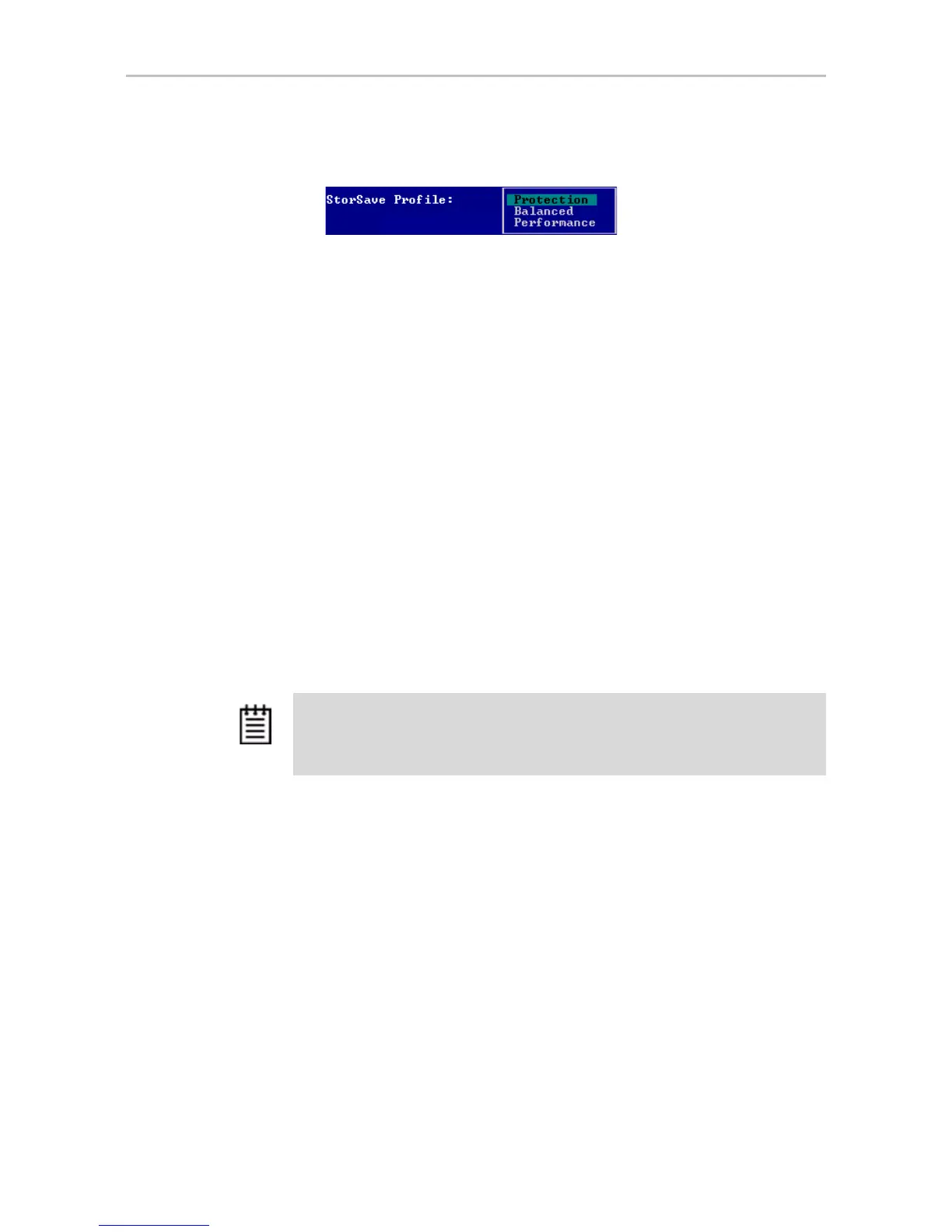
5 Press Enter to display the choices, use the arrow keys to select the
setting you want, and press
Enter again to choose it.
6
Tab to the OK button and press Enter to select it.
You return to the main 3BM screen.
7 When you are finished making changes, press
F8 to save them and exit
3BM.
Changing An Existing Configuration by
Migrating
You can convert one RAID configuration into another while the unit is online.
This process is known as RAID Level Migration (RLM).
You can use RAID Level Migration to make two main types of configuration
changes:
• RAID Level (for example, a RAID 1 to a RAID 5)
• Unit Capacity Expansion (for example, adding a 4th drive to a 3-drive
RAID 5)
You can also use RLM to change the stripe size of a unit.
This section includes the following topics about changing existing
configurations:
• RAID Level Migration (RLM) Overview
• Changing RAID Level
• Expanding Unit Capacity
• Informing the Operating System of Changed Configuration
If you want to change the policy settings for an existing unit, there is no need
to change the configuration. See “Setting Unit Policies” on page 106.
Note: A unit being migrated can still be used (I/O still continues), however the
performance will be affected while the migrating task is active. You can control how
much effect this has on performance by setting the background task rate. For more
information, see “Setting Background Task Rate” on page 112.



 To Next Page