Chapter 10. Maintaining Your Controller
176 3ware Serial ATA RAID Controller User Guide
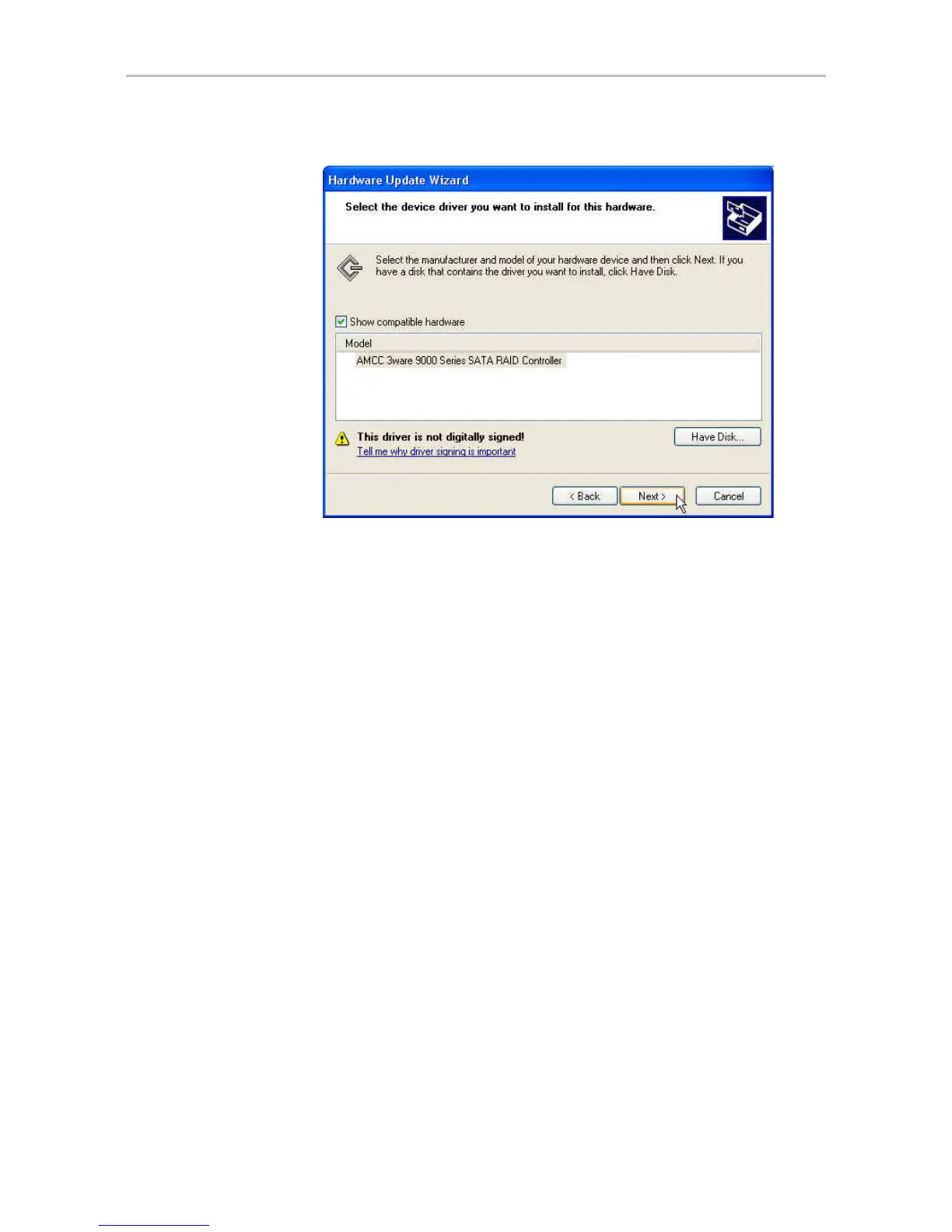
Figure 82. Select a Device Driver
The wizard begins installing the driver. You will see a progress box
during installation.
17 If the Digital Signature Not Found screen appears, click Yes to continue
and follow the instructions to complete the driver installation.
18 When the Completing the Hardware Update Wizard screen appears,
click Finish.
19 If you are prompted to restart the system, do so.
Shortly after clicking Finish, or after the machine reboots, the first screen
of the Hardware Update Wizard appears again, informing you that
Windows has found new hardware.
If you are using Windows XP Service Pack 2, the screen asks whether you
want to connect to Windows Update (Figure 83).



 To Next Page