Viewing Information About a Controller
www.3ware.com 81
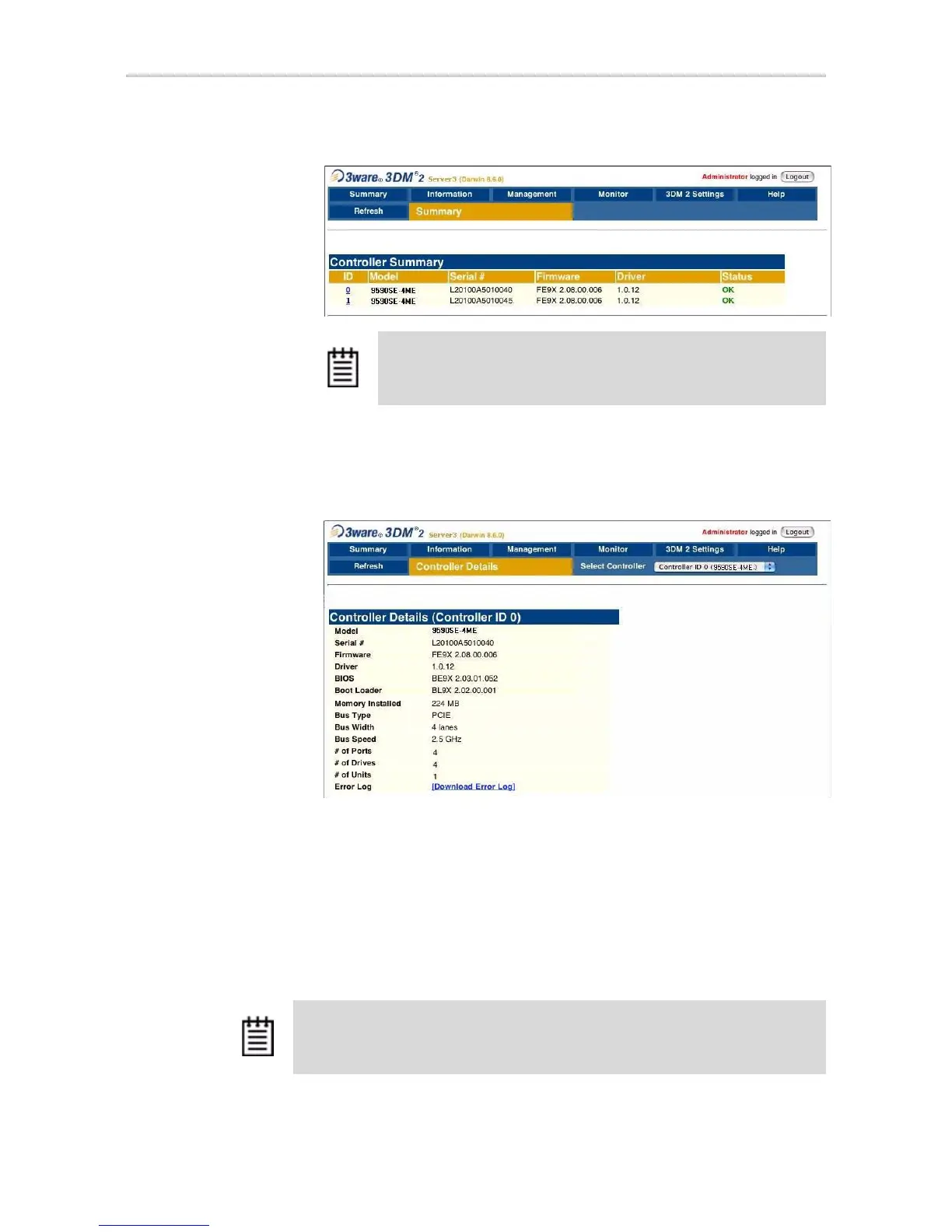
Figure 37. Controller Summary Page
2 To see more details about a particular controller, click the ID link for that
controller to display the Controller Details page.
Figure 38. Controller Details Page
To see information about a different controller in the 3DM pages
If you have more than one controller in the system, you can switch between
them by selecting the one you want from the
Select Controller drop-down
list at the right of the menu bar. This drop-down is available on all pages that
provide controller-specific features.
When you select a different controller from this list, the page in view changes,
to reflect the details for the controller you selected.
Tip: If you are managing controllers remotely, the list of controllers is
for the machine with the IP or URL you entered in the browser
address bar.
Note: Throughout this documentation, the term current controller is used to refer to
the controller currently selected in this drop-down list.



 To Next Page