16
Fax and SIM card types
Under some circumstances it is possible that faxes from analogue
fixed lines fail to be recognised as such by the receiving XSJackT3.
This may also happen when the sender uses a manual method to esta-
blish the connection like picking up the receiver of his fax machine,
dialling the destination number and pressing 'Start' when hearing fax
noises and so on.
These reasons will lead to voice indicated calls where fax transmissi-
ons will fail. In this case you will find your connected fax machine start
ringing immediately on an incoming fax without the XSJackT3 entering
the two-staged procedure as described on page 15. To avoid this pro-
blem, it is highly recommended to use a multi-numbering SIM card
whenever possible, which has a dedicated number for fax in addition to
its voice number. In contrast, a single numbering SIM only has one
number for both voice and fax. If only a single numbering SIM is availa-
ble, try to use code N2 or N3 to increment the chance of correctly iden-
tified incoming calls.
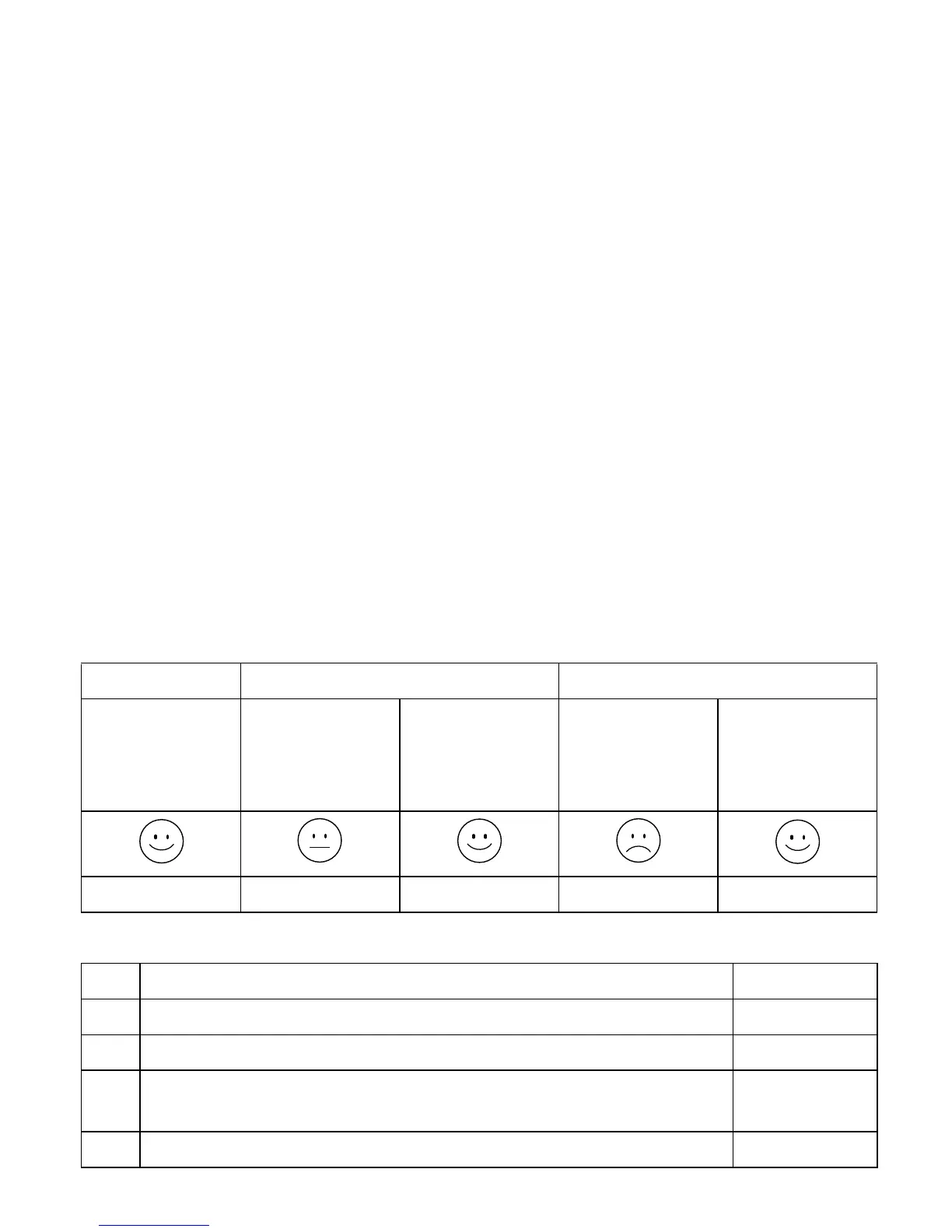
The following table shows the possible scenarios related to the con-
nected devices.
Phone Fax Phone + Fax
Single /
multi num-
bering
SIM
Single
numbering
SIM
Multi
numbering
SIM
Single
numbering
SIM
Multi
numbering
SIM
Use N2 or N3
Description Format
N1 Identify next incoming call of unknown type as a fax * 13 #
N2 Identify all incoming calls of unknown type as faxes * 1313 #
N3 Identify all incoming calls of unknown type as faxes
and reject all voice calls
* 14 #
N4 Cancel N1, N2 and N3 - back to normal mode # 13 #



 To Next Page