Quick Installation Guide
EAP727 Enterprise Access Point ENGLISH
Copyright © 4IPNET, INC. All rights reserved.
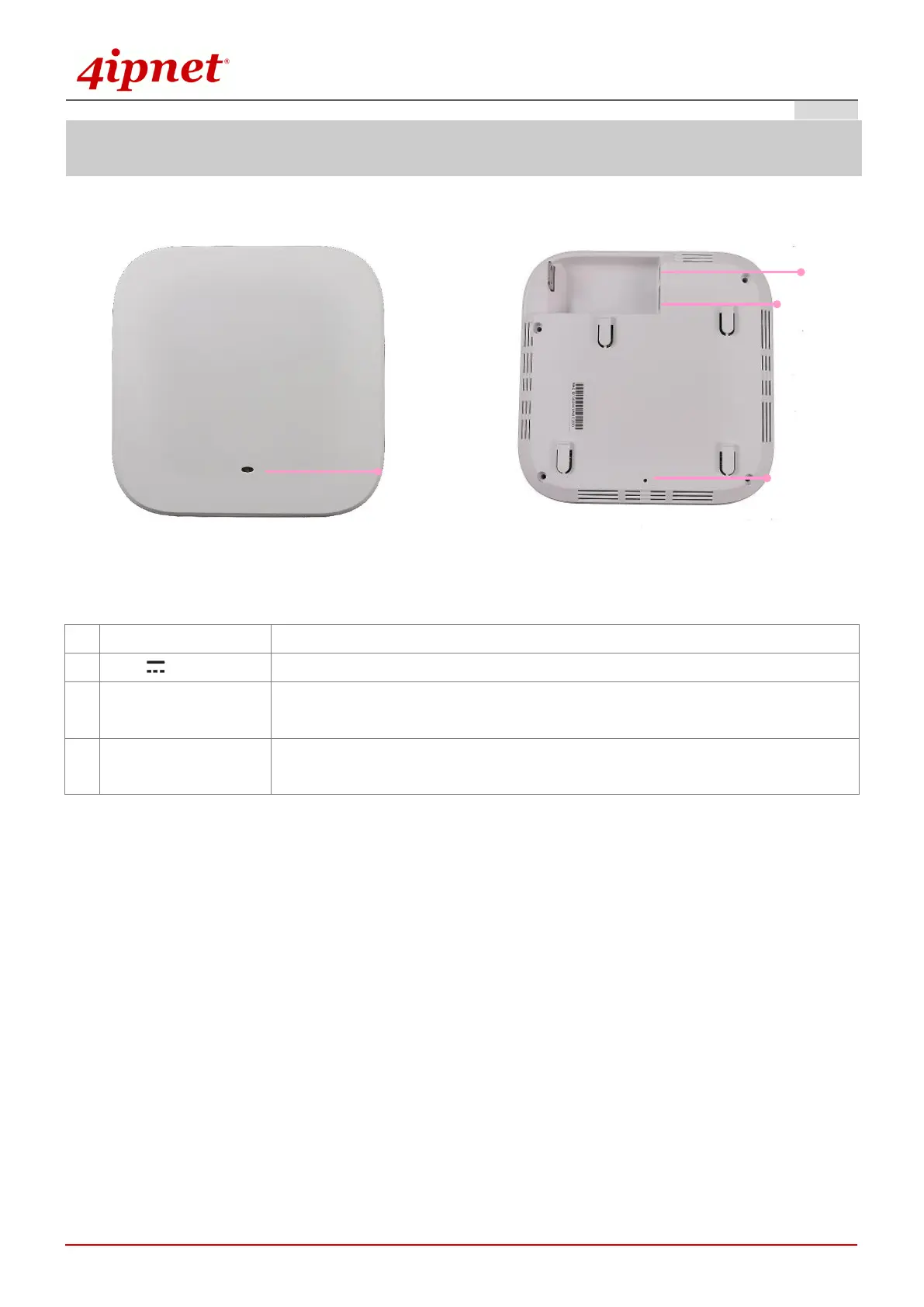
EAP727’s Front Panel EAP727’s Rear Panel
An LED indicator is available to show the uplink status
Attach power adaptor here
Offers uplink connection. This port can be used to connect to a controller,
gateway, or directly to the Internet. 802.3af PoE is also supported
Press once to restart the system; to reset the system to factory default settings,
hold for more than 5 seconds.



 To Next Page