Quick Installation Guide
EAP727 Enterprise Access Point ENGLISH
Copyright © 4IPNET, INC. All rights reserved.
Step 1. Change Administrator’s Password
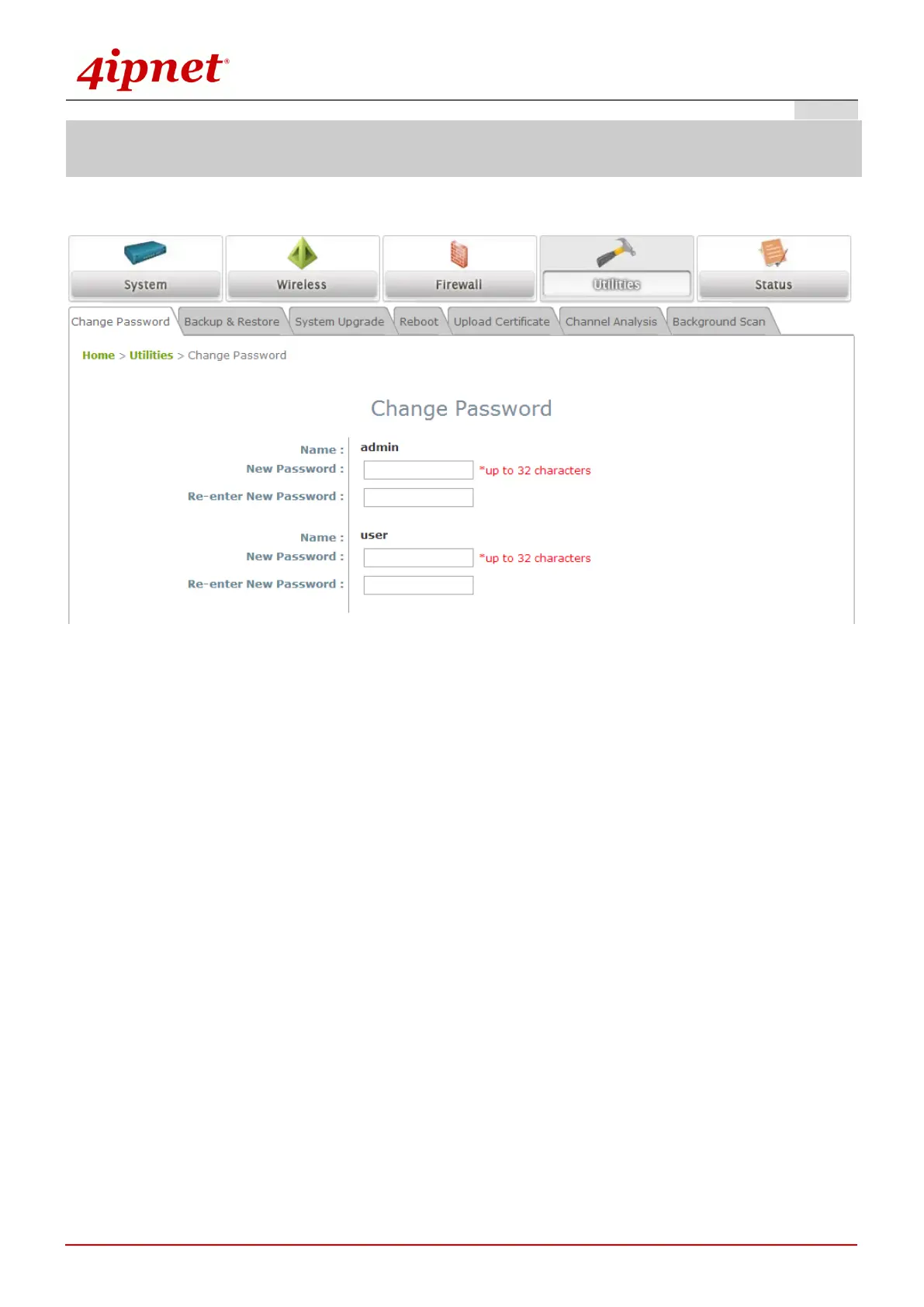
Change Password Page
Click on the Utilities icon on the main menu, and select the Change Password tab.
Enter a new password with a length of up to 32 characters, and retype it in the Re-enter New
Password field.
Click SAVE to save the changes.



 To Next Page