Quick Installation Guide
EAP727 Enterprise Access Point ENGLISH
Copyright © 4IPNET, INC. All rights reserved.
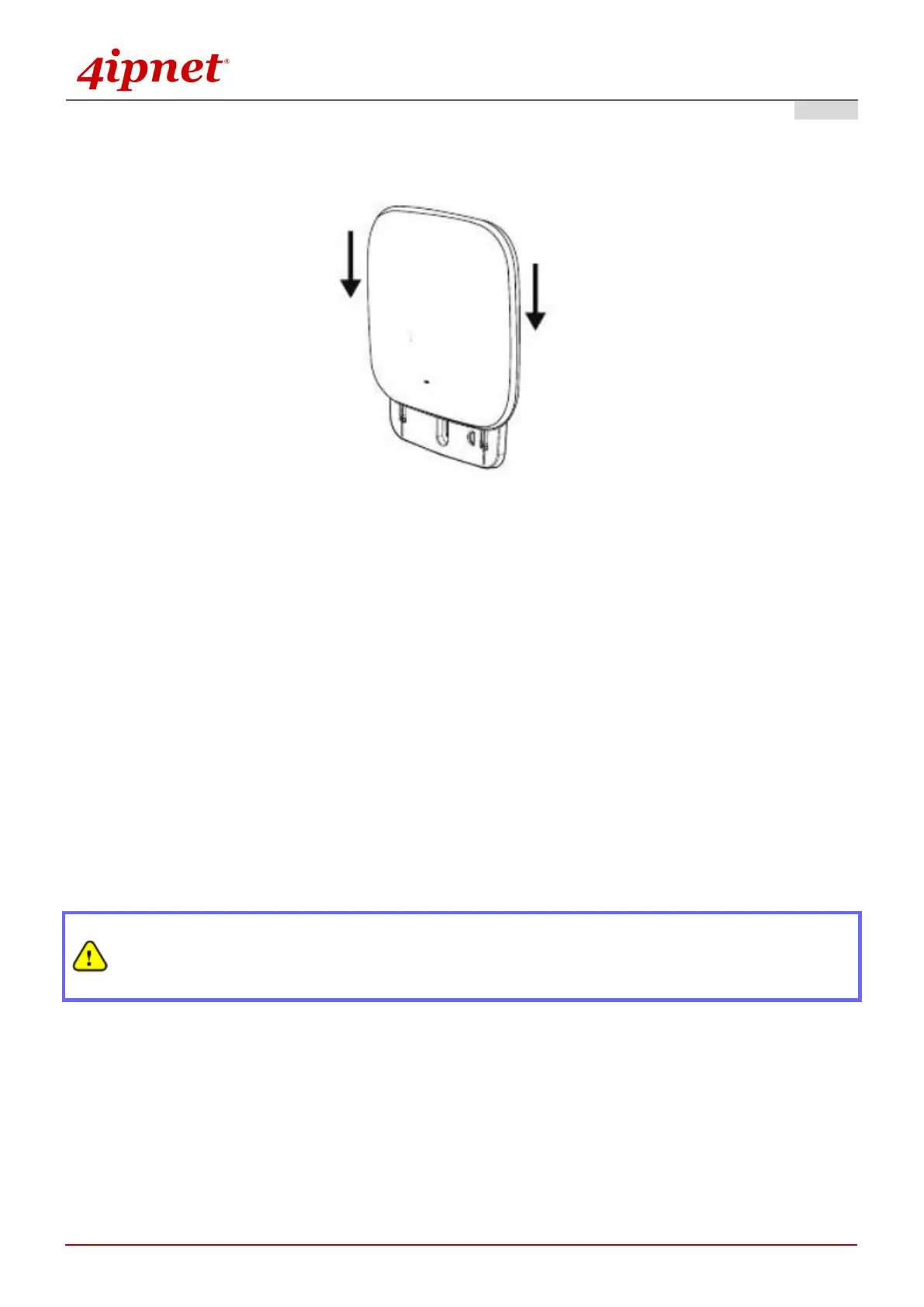
- Attach the Access Point to the mounting bracket (After Steps 2 and 3)
2. Connect the EAP727 to your network device.
Connect one end of the Ethernet cable to the Uplink port of EAP727 and the other end of the cable to a switch,
a router, or a hub. EAP727 is then connected to your existing wired LAN network.
There are two ways to supply power over to EAP727.
3. Connect the DC power adapter to the EAP727 power socket.
EAP727 Uplink port is capable of receiving DC currents. Connect an IEEE 802.3af-compliant PSE device (e.g.
a PoE-switch) to the Uplink port of EAP727 with the Ethernet cable.
Now, the Hardware Installation is complete.
Using a different power adapter may damage this system.
To verify the wired connection between EAP727 and you switch / router / hub, please also
check the LED status indicator of the respective network devices.



 To Next Page