Tutorial 1: Basic Playback
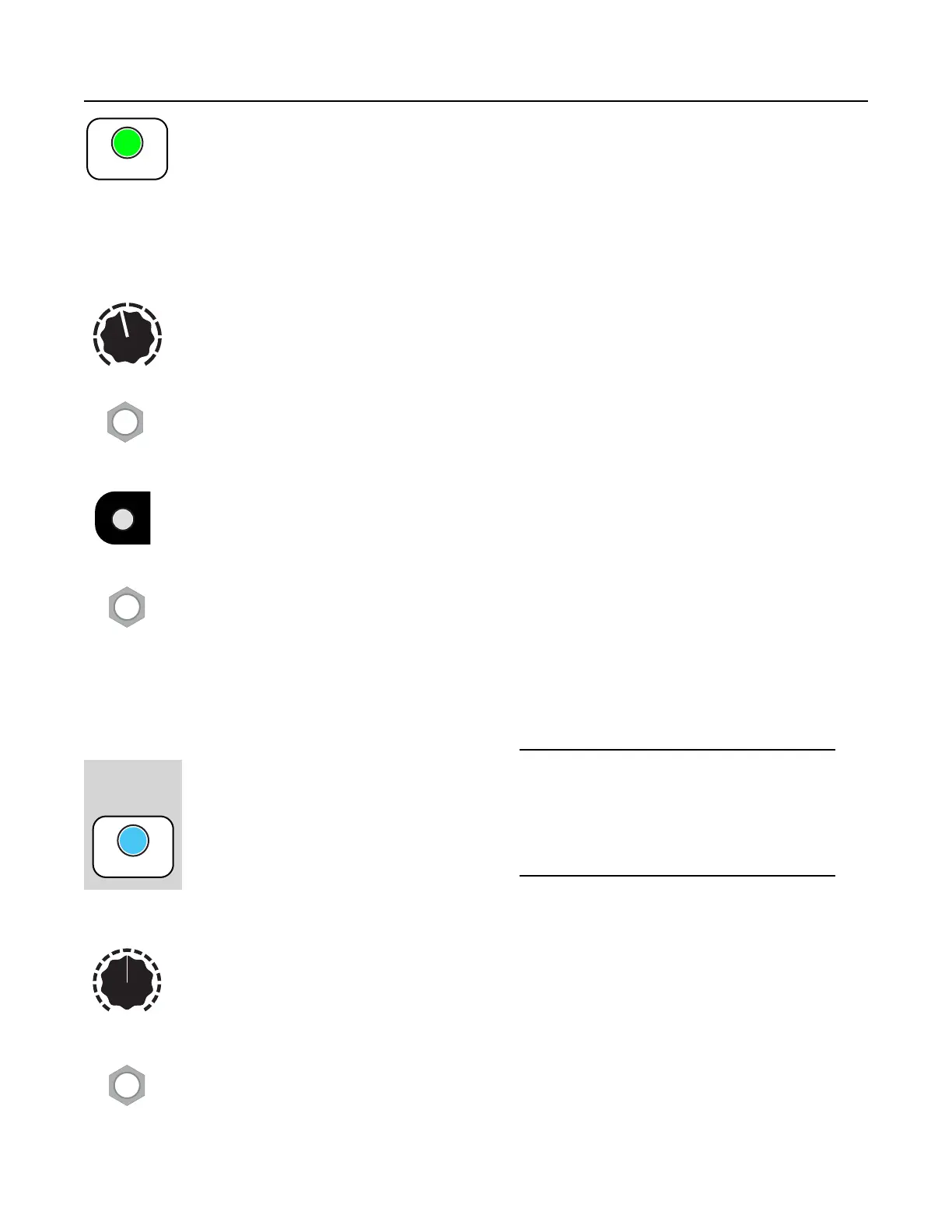
Tap the PLAY button to play the currently selected sample in the currently selected
bank. Tap it multiple times to re-trigger the sample."
Try it now! Set the channel controls as shown:"
•
Pitch knob to center"
•
Start Pos to 0%"
•
Length to 100%"
•
Patch the OUT Left and OUT Right jacks to the left and right channels of your output
mixer. (If you only have a mono speaker, just use OUT Left)."
The Sample knob selects which sample in the current bank to play. There are 10 slots
for samples per bank. Try turning the knob now. Notice that when you turn it to a new
slot number (1–10), the PLAY button flickers. This indicates you selected a new sample.
Hit the PLAY button again to play the new sample."
"
You also can select a sample using the Sample CV jack. It accepts voltage from 0V to
+5V, so a new sample is selected every 0.5V."
"
The Bank button changes banks. Tap the button to go to the next bank and notice that
the Bank button’s color changes. Each bank contains 10 samples. Go ahead and listen
to all the samples in this bank using the Sample knob to select a sample and the PLAY
button to play it. Take a moment to explore a few banks, tapping the Bank button to go
to the next bank (you can go back a bank by holding Reverse while tapping Bank). For
the next step, we’re going to want a sample that will loop nicely, so pick a sample that's
at least a couple seconds long."
You also can select a bank using the Bank CV jack. It accepts voltage from 0V to 5V,
and there are 60 banks, so a new bank is selected every 1/12th of a volt. That means
you can select banks by playing a CV keyboard or sequencer into this jack: each
semitone (note) from C0 to B5 will be a different bank.
Looping"
The Sampler is also great for looping
samples. Go to a sample that’s at least a
couple seconds long. Press and hold the
PLAY button for half a second and the
button will turn blue to indicate it’s looping
(blue = loop). You can let go of the PLAY
button and it’ll keep repeating the sample
over and over. If at any time you want to stop looping, hold PLAY down again for about a
second and it’ll turn green or yellow to indicate the channel is playing but not looping."
Now let’s play with Pitch. Turn this knob up to make the sample play back faster and at
a higher pitch. Turn it down to play back slower and lower in pitch. The Pitch knob has a
range of 8 octaves (4 octaves up, 4 octaves down). "
The Pitch CV jack accepts voltages from -5V to +5V, which is a 10 octave range. The
jack is calibrated to 1V/oct, but we recommend calibrating to your own equipment (see
CV Calibration, page 14). "
The total amount of pitch shifting when considering the jack and knob is limited to 9
octaves down and 4 octaves up."


 To Next Page