QCOM Tool v1.6 Copyright © 5GHUB.US
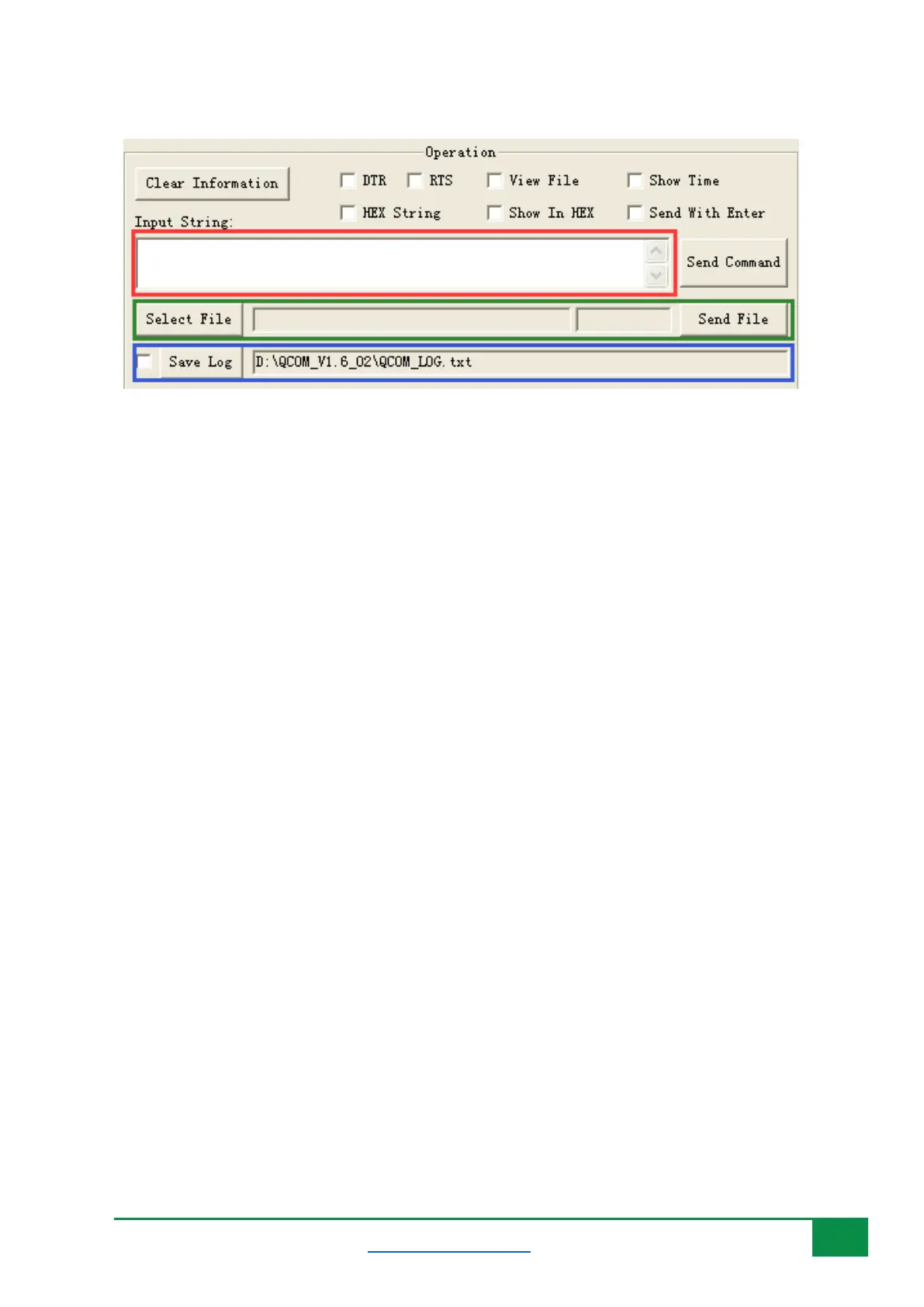
Figure 11: Sending data.
4.4 Send Data Continuously
To send data continuously, follow the following steps:
1) Red area is used to enable the data to be sent.
2) Blue area is used to input data which would be sent.
3) Green area is used to start data sending.
4) Choose All Commands: Enable all available commands which would be sent.
5) HEX: The input string is HEX string.
6) Enter: Send data with “Enter”.
7) Delay: Delay time for each data.
8) Delay Time: Default delay time.
9) Run Times: The times of sending all selected data continuously.
10) Run: Start to send all selected data continuously.
11) Stop: Stop sending all selected data continuously.
12) Save As Script: Save all data and configure as *.ini file.
13) Load Test Script: Load data and configure from an *.ini file.



 To Next Page