QCOM Tool v1.6 Copyright © 5GHUB.US
2 Install LTE&GNSS Windows Driver
On Windows Operating System (OS), install the following Windows driver for LTE&GNSS modem:
5G-NB-IoT/Driver at master · 5ghub/5G-NB-IoT (github.com)
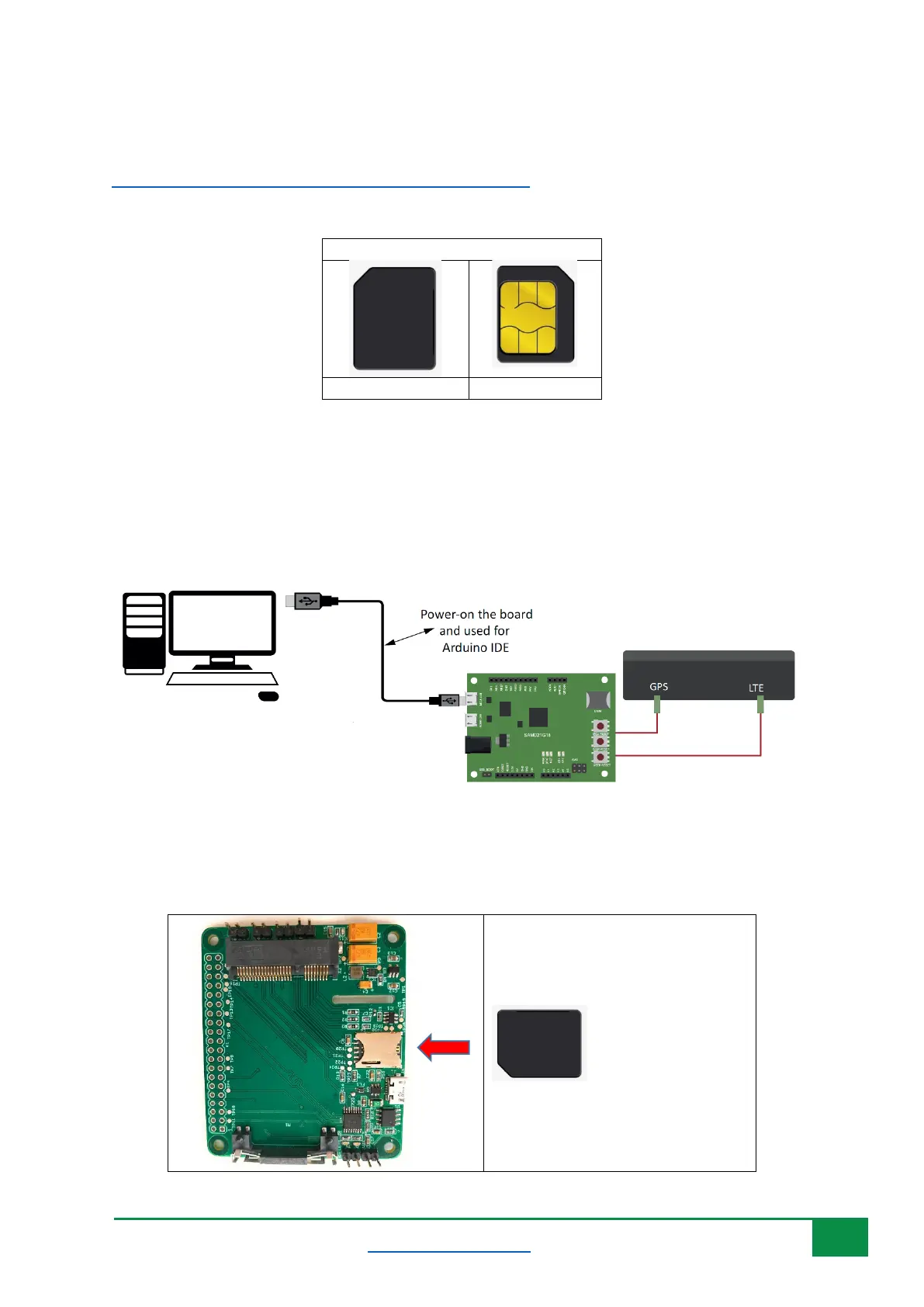
Have the Nano SIM ready:
Follow the following steps:
1- Insert a USIM card into the USIM card slot on the hardware board.
2- Connect a USB cable between the hardware board and the computer as in the following
diagram (Note: the hardware board is an example and other USB dongle or Raspberry PI HAT
can be used. You can also use different antennas if needed)
I
f you are using the HAT board with any of the BG96/BG95/EG95/EG91 miniPCIe module, make sure
to insert the SIM card as shown below:



 To Next Page