05
Dash cam supports voice control. When the dash cam is operating, voice commands from the user will trigger the
corresponding functions.
If the broadcast language of the dash cam is set to Traditional Chinese, the Mandarin voice commands are
supported. If any other language is set, only the English voice commands are supported. The voice commands
are as follows:
Voice command Function
Take photo Dash cam will take a photo and save it to the album.
Lock the video
Dash cam will record an emergency video and store it in the emergency video
directory.
Turn on audio Dash cam will record audio as well as videos.
Turn off audio Dash cam will not record audio but only videos.
Turn on hotspot Dash cam's Wi-Fi hotspot will turn on.
Turn off hotspot Dash cam's Wi-Fi hotspot will turn off.
Note: When the dash cam is connected to the 70mai app, voice control is not supported.
Voice control
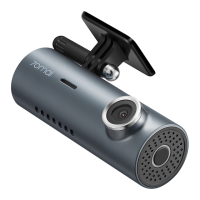
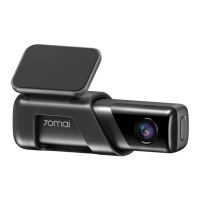
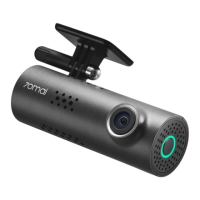
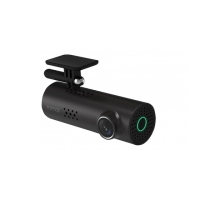
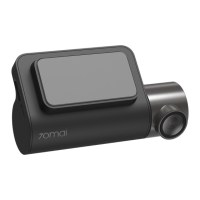
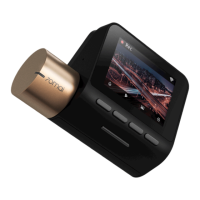
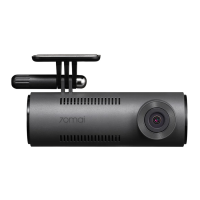
Product: Dash Cam
Model: M310
Input: 5V 2A
Battery capacity: 300mAh
Resolution: 2304 × 1296
Lens: FOV 130°/ F2.0
Specifications
Battery type: Li-ion battery
Power supply: Car cigarette lighter
Item dimensions: 100.3 × 52.5 × 36.1mm
Wireless connectivity: Wi-Fi IEEE 802.11b/g/n 2.4GHz
Wi-Fi operation frequency: 2400–2483.5MHz
Wi-Fi maximum output: < 20dBm


 To Next Page