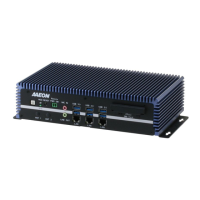
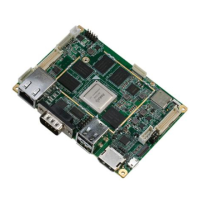
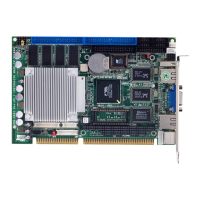
SubCompact Board GENE- 6310
v
2.18 LVDS Channel 1 Connector (CN11).......................................2-16
2.19 LVDS Channel 2 Connector (CN8).........................................2-16
2.20 Serial Port/ COM 2 (CN9) .......................................................2-17
2.21 Parallel Port Connector (CN10) ...............................................2-17
2.22 Audio Connector (CN13)..........................................................2-18
2.23 100 Base-T Ethernet Connector (CN14).................................2-18
2.24 Power Connector (CN15) .........................................................2-19
2.25 USB Connector (CN16, CN17)................................................2-19
2.26 Serial Port/ COM 1 (CN18) .....................................................2-20
2.27 IrDA Connector (CN19)...........................................................2-20
2.28 PS/2 Keyboard and Mouse Connector (CN20).....................2-21
2.29 VGA Connector (CN21)...........................................................2-21
2.30 CompactFlash Connector (CN22) ...........................................2-22
2.31 PME# Connector for PCM-3794(CN23) ...............................2-23
Chapter 3 Award BIOS Setup
3.1 System Test and Initialization.....................................................3-2
3.2 Award BIOS Setup.......................................................................3-3
3.3 Standard CMOS Features ............................................................3-6
3.4 Advanced BIOS Features ............................................................3-7
3.5 Advanced Chipset Features.........................................................3-8
3.6 Integrated Peripherals..................................................................3-9
3.7 Power management Setup...........................................................3-10
3.8 PnP/PCI Configuration ..............................................................3-11
3.9 PC Health Status...........................................................................3-12
3.10 Frequency/ Voltage control......................................................3-13



 To Next Page